Your Dashboard
Your Dashboard
When you sign in at livinity.io, your dashboard is home base — a simple overview of your computer and a one-click way in. Here's what you'll find.
Your computer at a glance
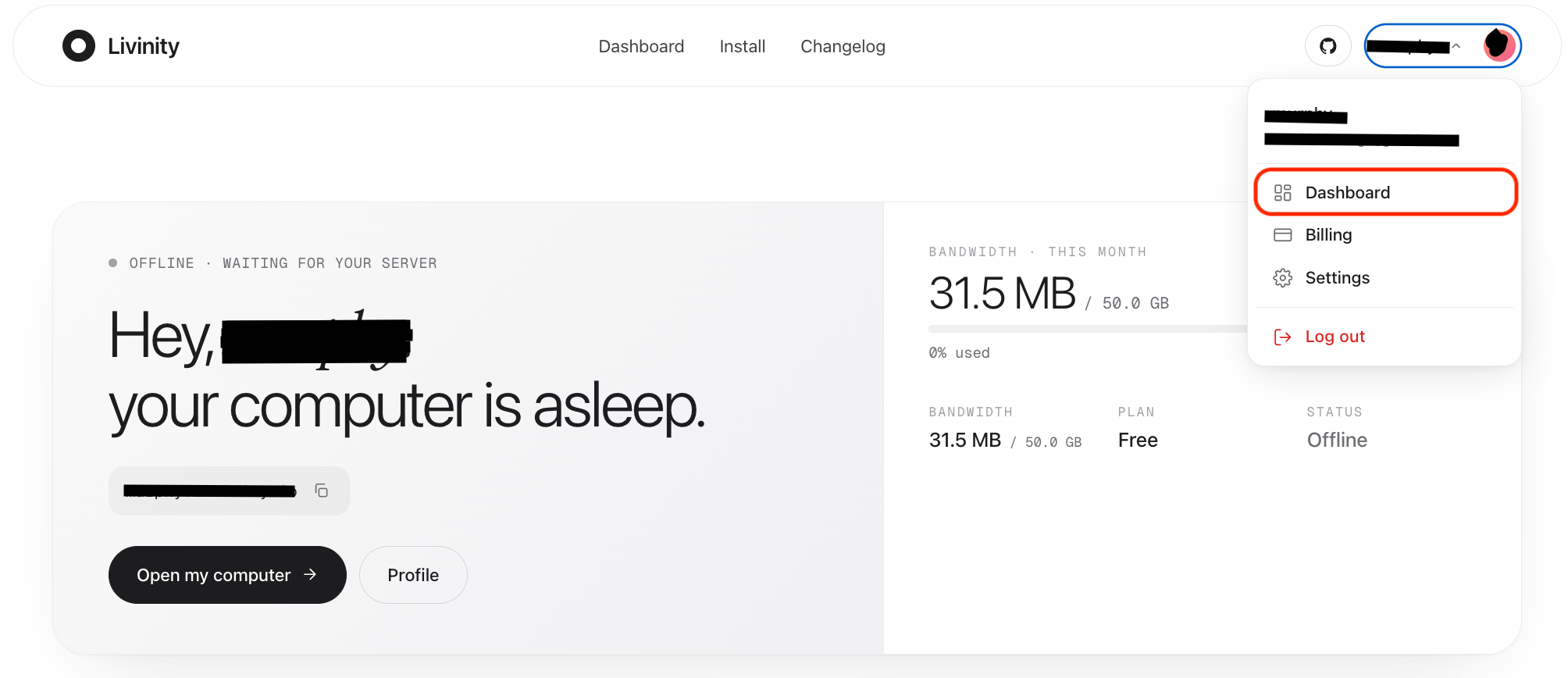
The dashboard greets you and shows your computer's status — online, offline, or
asleep — along with your personal address, like yourname.livinity.io.
Open your computer
The big Open my computer button takes you straight to your desktop. If your computer is asleep, opening it simply wakes it back up (see Turning Your Server Off & On).
Bandwidth and plan
Off to the side, you'll see your bandwidth used this month and your current plan — a quick health check on your usage (see Bandwidth & Your Plan).
Setting up or changing your server
The dashboard's menu also has an Install page — that's where you grab your install command to set up your computer on a machine (see Getting Your Install Command) — and a Changelog of what's new.
That's your dashboard: check your status, open your computer, and keep an eye on your plan, all from one screen.