Getting Around Your Desktop
Getting Around Your Desktop
Your Livinity is a real computer desktop — apps, windows, the works — right in your browser. Here's how to find your way around.
Opening apps
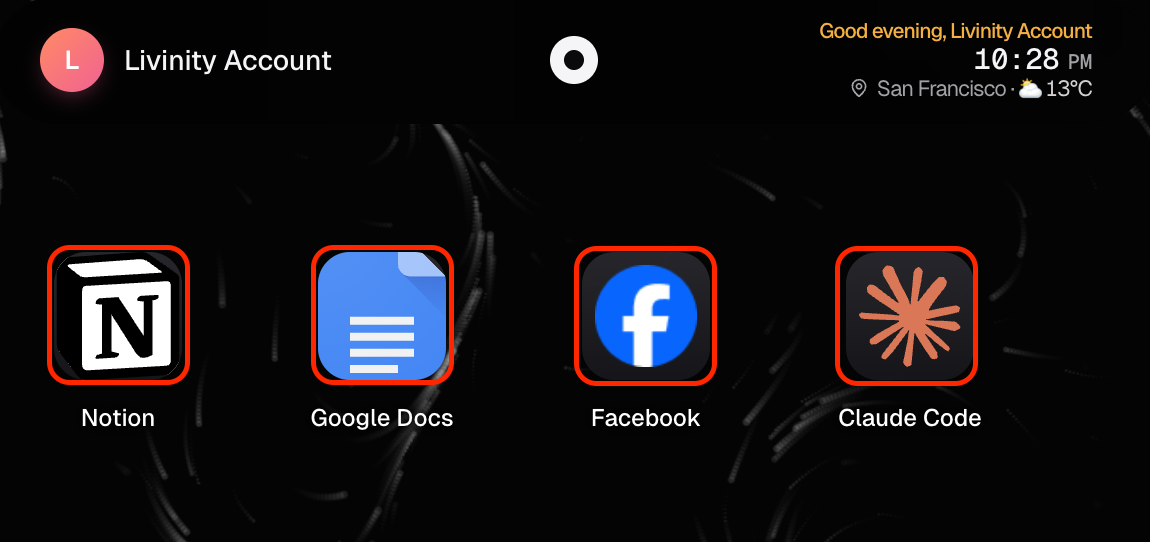
Open any app by clicking it — from the dock at the bottom, or the launchpad (your full app grid). Each app opens in its own window.
Working with windows
Every app runs in a window you can arrange however you like:
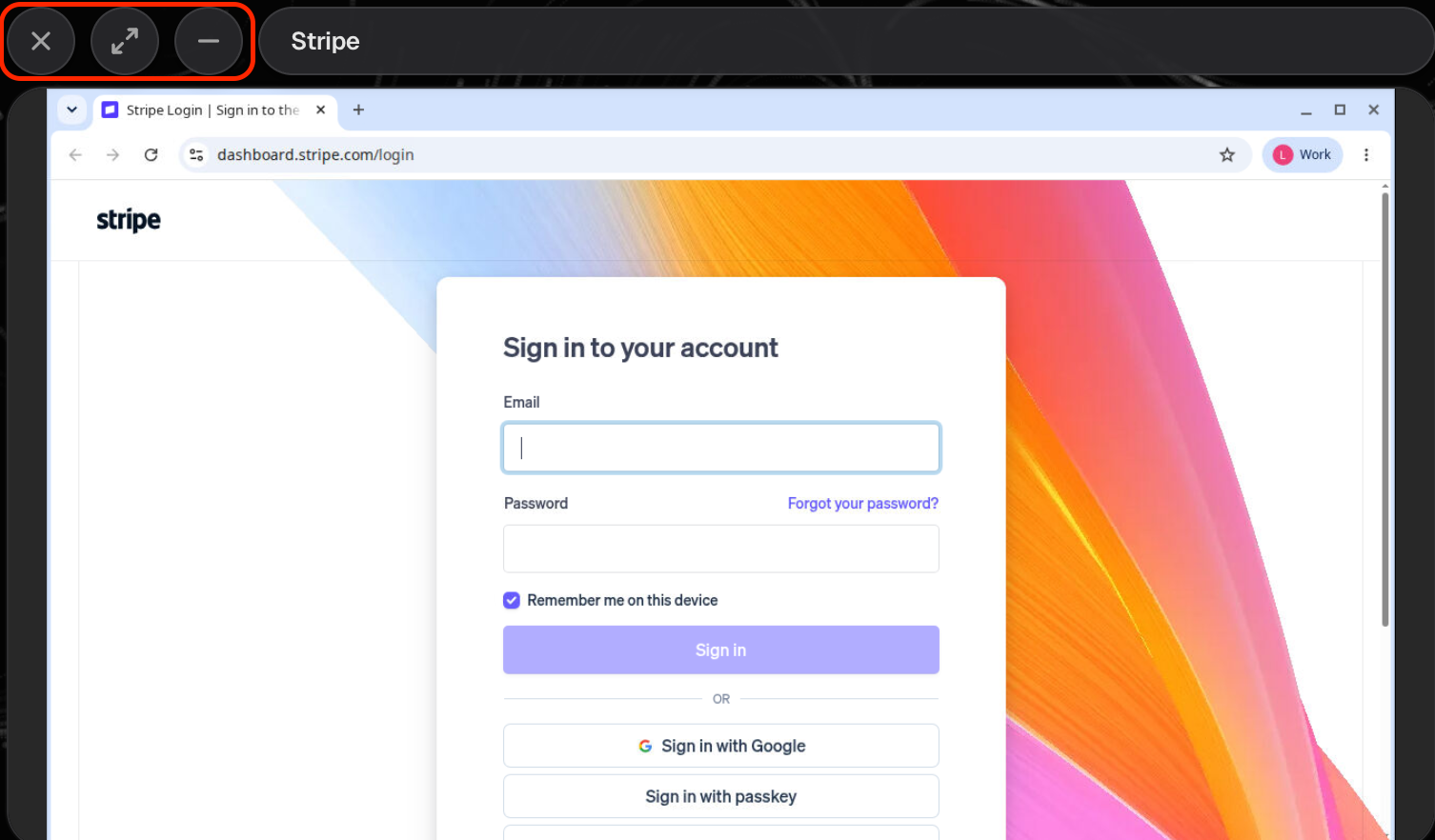
- Move it by dragging the bar at the top.
- Resize it by dragging its edges or corners.
- Use the window buttons to minimize, go fullscreen, or close it.
Doing several things at once
Open as many apps as you want — they stack as separate windows, so you can switch between them just like on any computer. Need a clean view? Show desktop tucks all your windows away so you can see your background again.
Keeping things tidy
- Right-click the desktop for quick options.
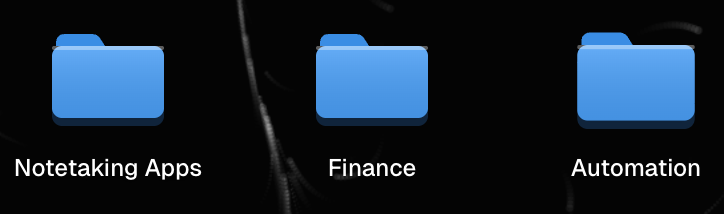
- Group apps into folders — keep related apps together in folders, just like on a phone, so your desktop stays organized.
That's the lay of the land. Open a few apps, move their windows around, and make yourself at home.
Need a hand? Reach the team at everything@livinity.io.