Desktop Launchpad
The Launchpad
The Launchpad is your apps hub — every app in one place, with a search bar and a few quick actions. Open it from the Apps icon in the dock, or just press ⌘K (Ctrl + K).
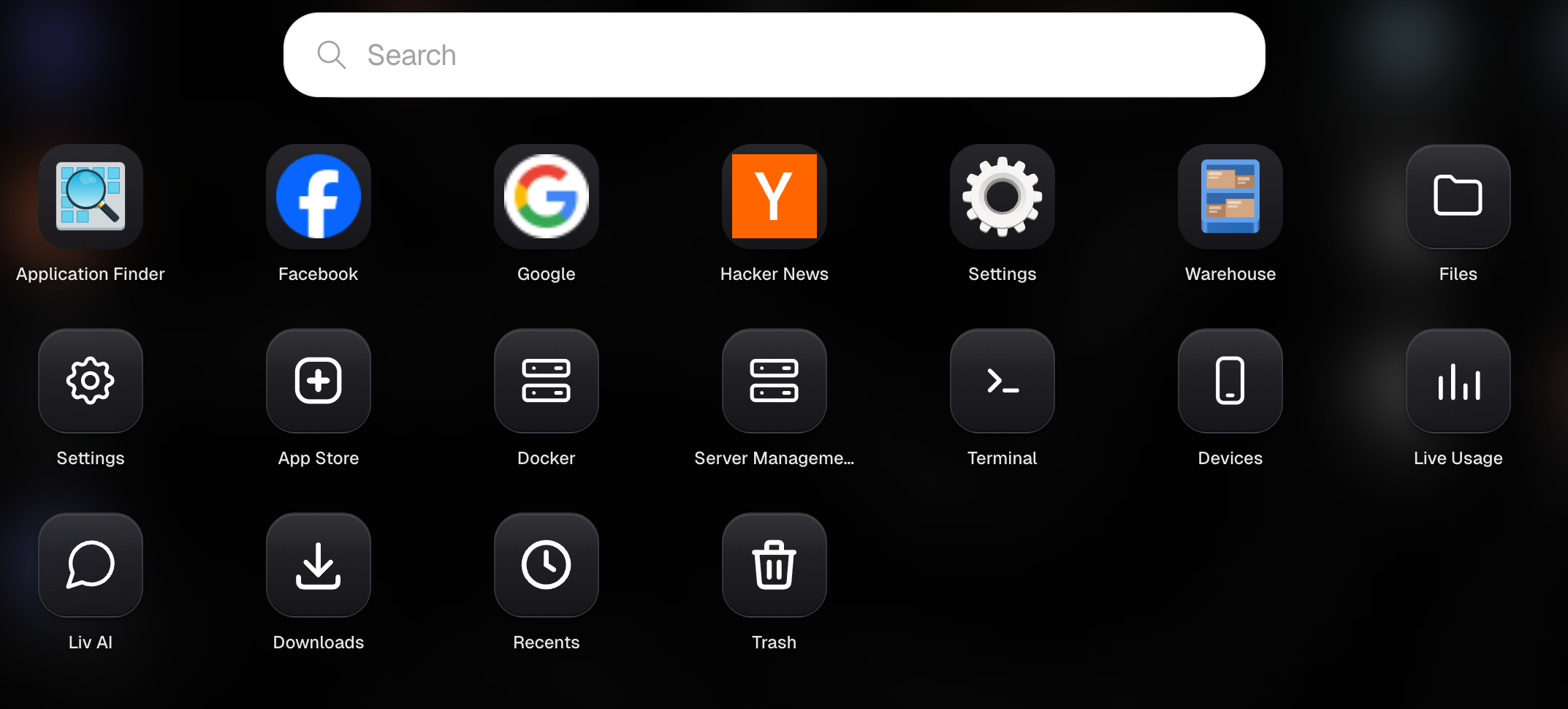
See all your apps
The Launchpad shows every app you've installed, laid out in a grid. Click any one to open it.
Search to find one fast
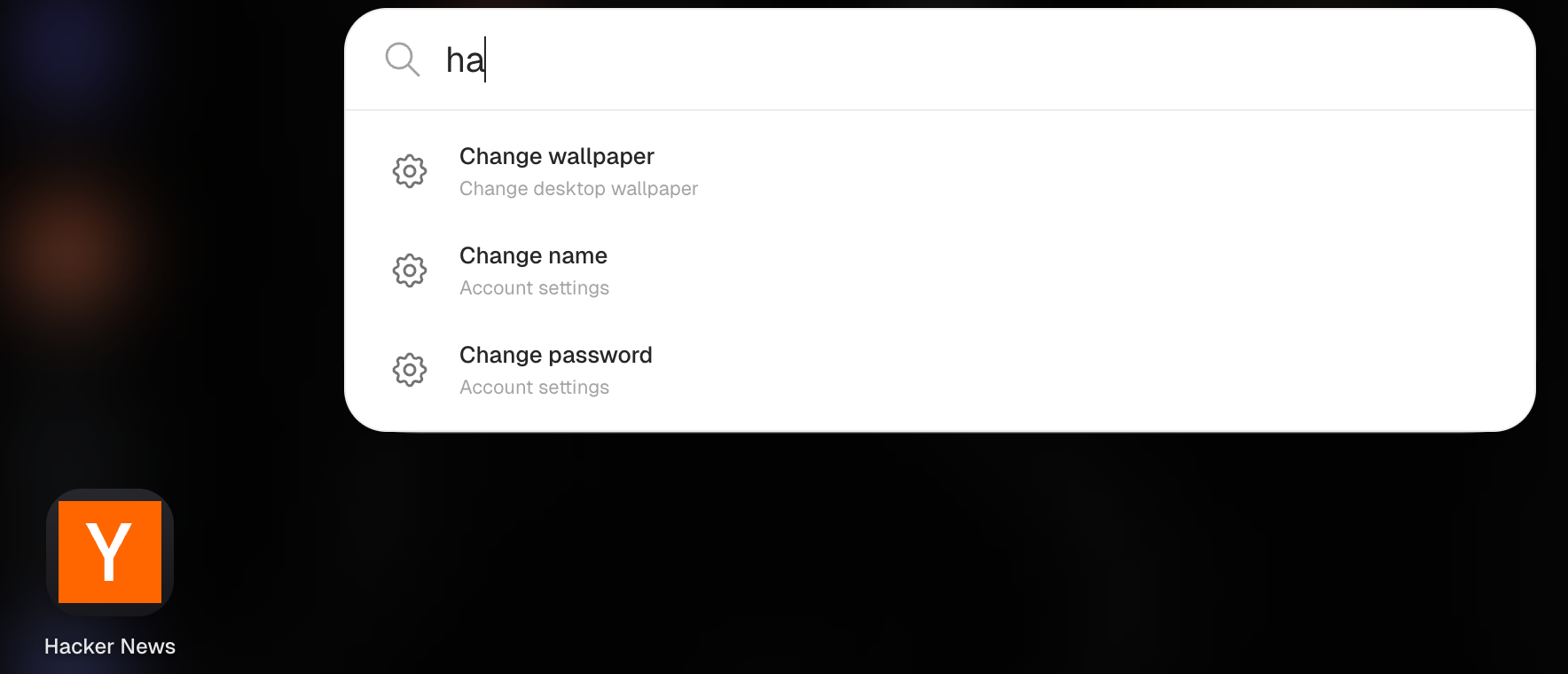
Got a lot of apps? Just start typing, and the grid filters down to what matches. Press Enter to open the first result.
Quick actions
The Launchpad isn't only for apps — it also gives you a few handy shortcuts, like changing your wallpaper, opening Live Usage, or restarting Livinity.
Stay organized
You can group apps into folders here to keep related apps together and your Launchpad tidy.
Think of the Launchpad as your complete app drawer plus a quick-command bar — everything's a press of ⌘K away.
Need a hand? Reach the team at everything@livinity.io.