Using Apps and Docker
Using Apps and Docker
Every app you install from the App Library runs in its own Docker container on your Livinity — but you almost never have to think about Docker itself. Livinity manages it for you, and you can do everything from the dashboard or just by asking Liv. This page shows you how to run and manage your apps.
How apps work
When you install an app, Livinity runs it as its own self-contained Docker container in the background. Each app gets:
- a status (running, stopped, updating, and so on),
- its own web address (like
appname-yourname.livinity.io), and - everything it needs to run, set up automatically.
You manage all of this from the app's page — no terminal required.
Start, stop, and restart an app
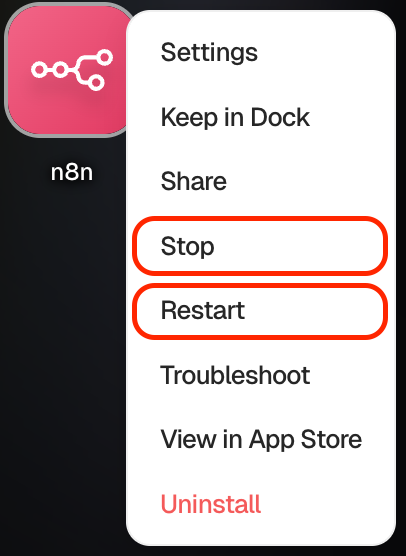
Open an app from your dashboard to see its controls. From there you can:
- Stop an app you're not using (it frees up resources but keeps your data).
- Start it again whenever you want.
- Restart it if it's misbehaving — often the quickest fix.
Update an app
When a new version is available, you'll see an Update option. Updating keeps the app current with the latest features and fixes, and your data carries over.
Change an app's settings
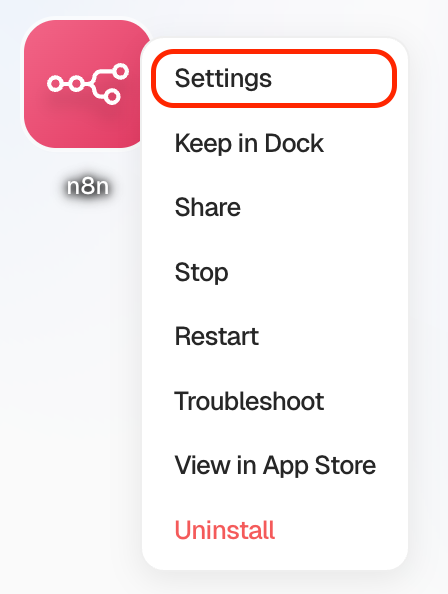
Some apps have settings you can adjust — things like configuration options the app exposes. You'll find these on the app's page, and Livinity restarts the app to apply your changes.
Uninstall an app
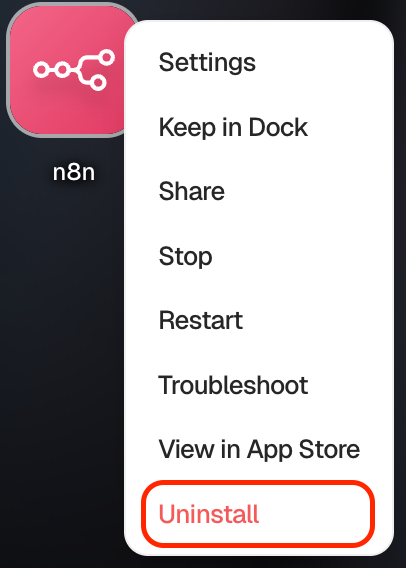
Done with an app? Click Uninstall. Livinity removes its container and frees up the space.
Let Liv handle it for you
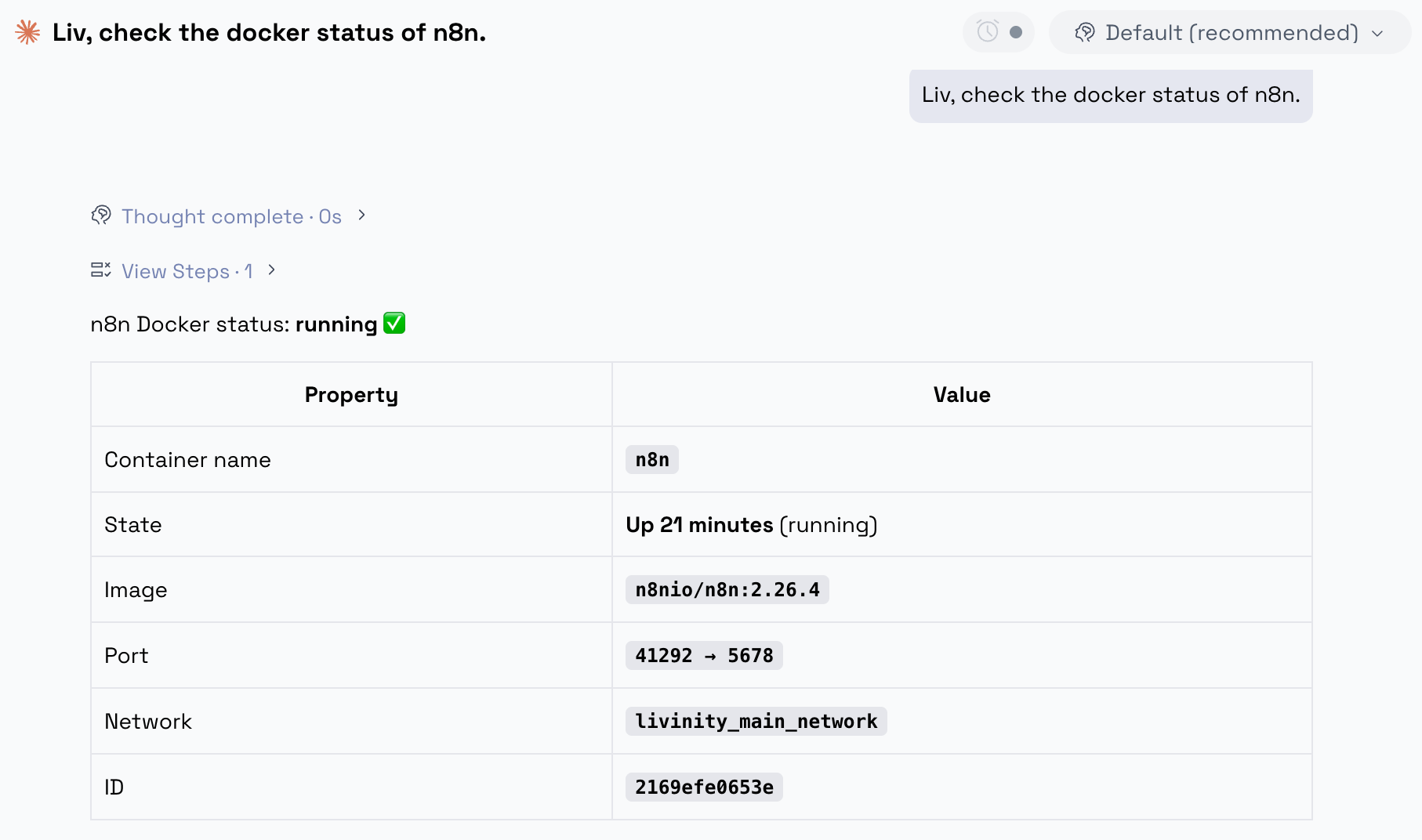
You don't have to manage any of this by hand — just ask Liv. Liv can see your apps and the Docker containers behind them, so you can say things like:
- "List my apps and which ones are running."
- "Show me the logs for n8n."
- "Restart my file browser."
- "What's the address for my photo app?"
For anything that could disrupt a running app — like a restart — Liv checks with you first before doing it, so nothing happens without your say-so.
That's the day-to-day of running apps on Livinity. Install what you need, start and stop them as you like, and lean on Liv whenever you'd rather just ask.