App Sharing
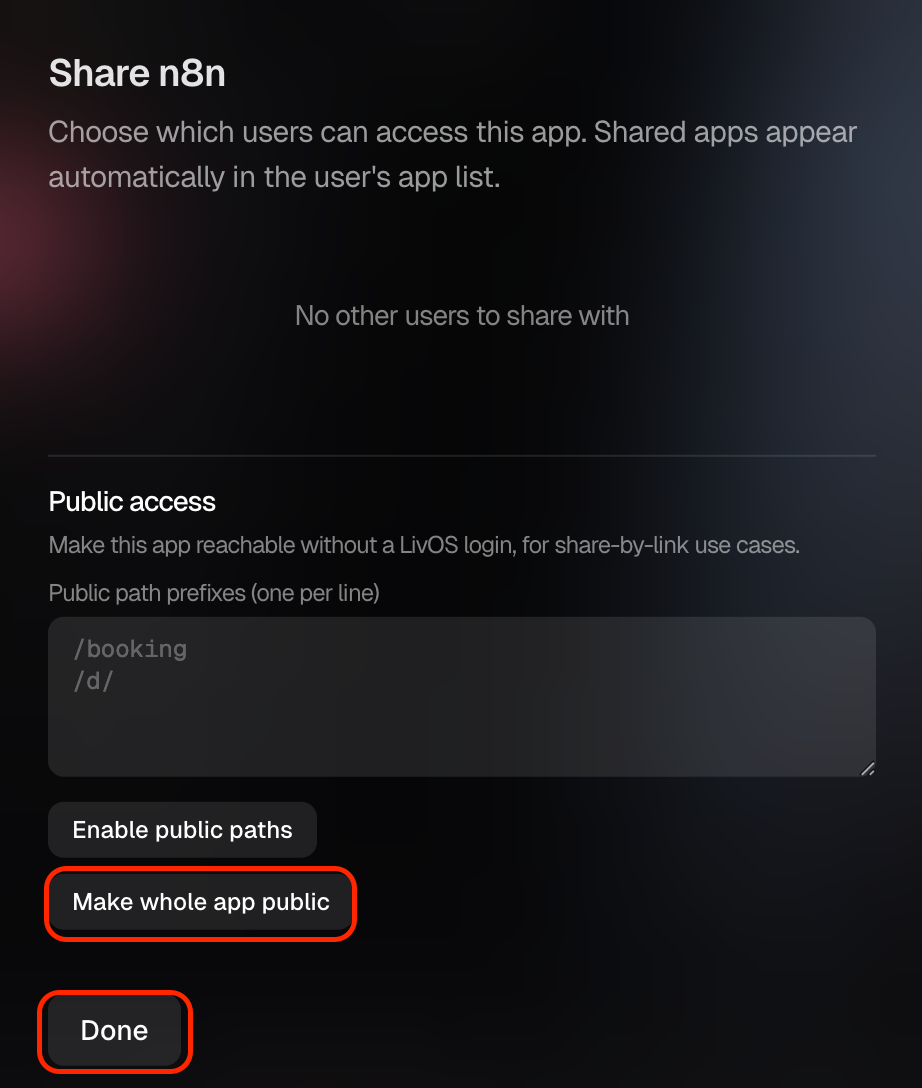
Sharing an App Publicly
By default, the apps on your Livinity are private — only you can reach them. But sometimes you want to share one with the world: a photo gallery for family, a blog, a little tool for your team. That's what Public Access is for.
Turn on Public Access
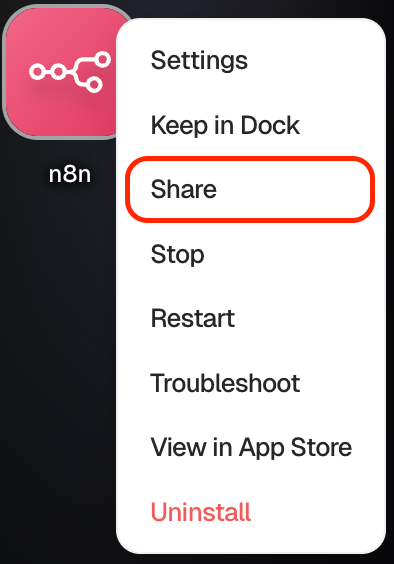
- Open the app you want to share to see its page.
- Find Public Access and turn it on.
Share it safely
A couple of things worth keeping in mind:
- Public means public. Once it's on, anyone with the link can reach the app — so only share what you intend to.
- Turn it off anytime. If you change your mind, just switch Public Access back off and the app goes private again.
That's it — flip the toggle, point a domain at it, and your app is live for the people you want to share it with.
Need a hand? Reach the team at everything@livinity.io.