Updating Livinity
Updating Livinity
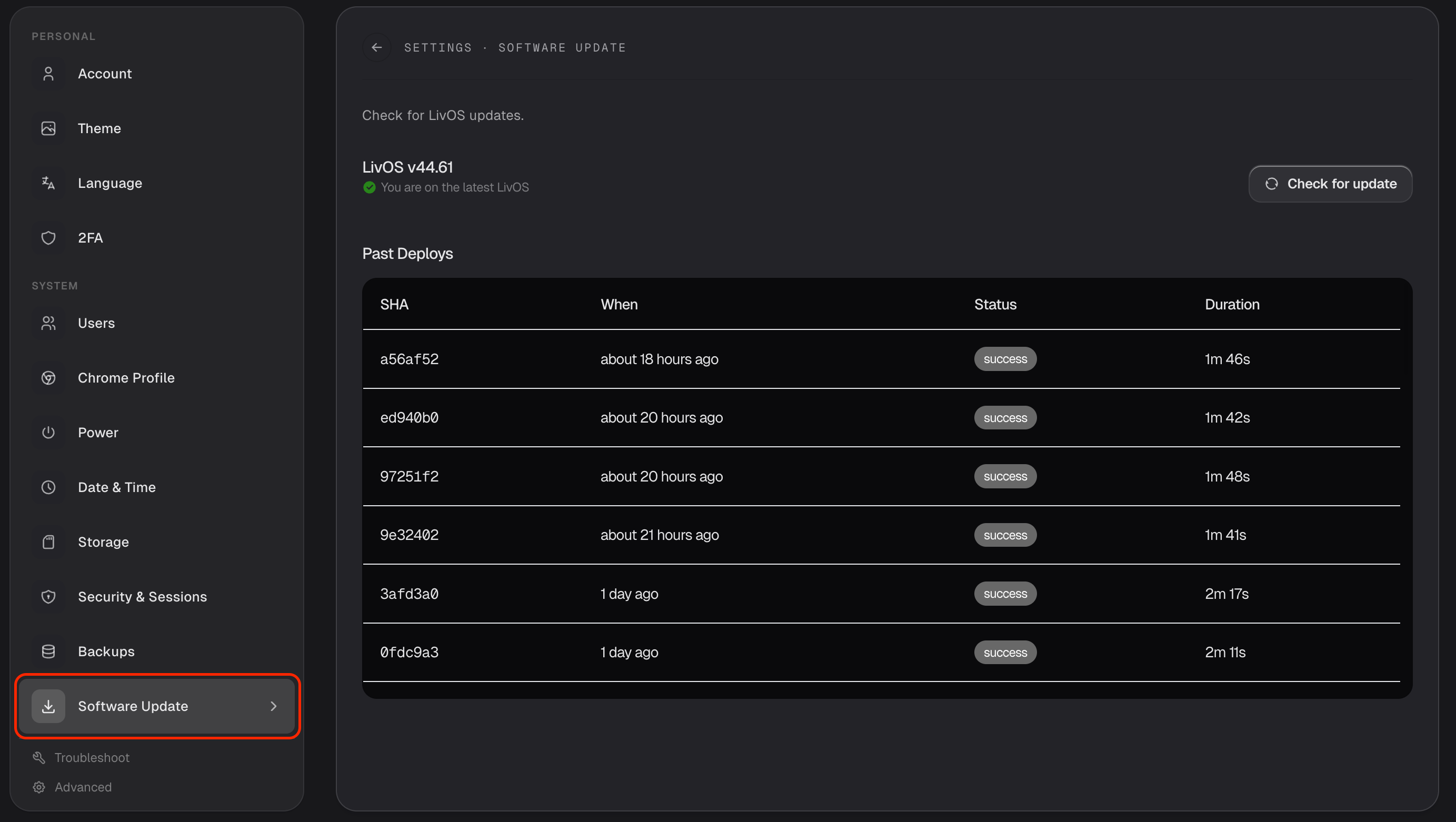
Livinity keeps getting better, and updates bring you the latest features and fixes. Keeping up to date is easy — you'll find it in Settings → Software Update.
Check for updates
Open Settings → Software Update to see whether a new version is available. If your Livinity is already current, it'll tell you so.
Apply an update
When an update is ready, apply it and Livinity takes care of the rest. Things may briefly restart as it finishes — that's normal, and your apps and files stay safe.
A history of changes
The same screen keeps a record of past updates, so you can see what's been applied and when. Curious what's new in a release? Check the Changelog.
That's all there is to it — check now and then (or whenever you're prompted), apply what's available, and your Livinity stays fresh and secure.
Need a hand? Reach the team at everything@livinity.io.