Theme
Dark Mode & Light Mode
Prefer a bright, crisp look or something easier on the eyes at night? Livinity gives you light, dark, and an automatic system option.
The quick way
The fastest way to switch is the theme toggle in the topbar — one click flips between light and dark.


Your three choices
You can also set it in Settings → Theme, where you'll find:
- Light — bright and clean.
- Dark — easy on the eyes, great in low light.
- System — automatically follows your device, so it switches with your phone or computer's own day/night setting.
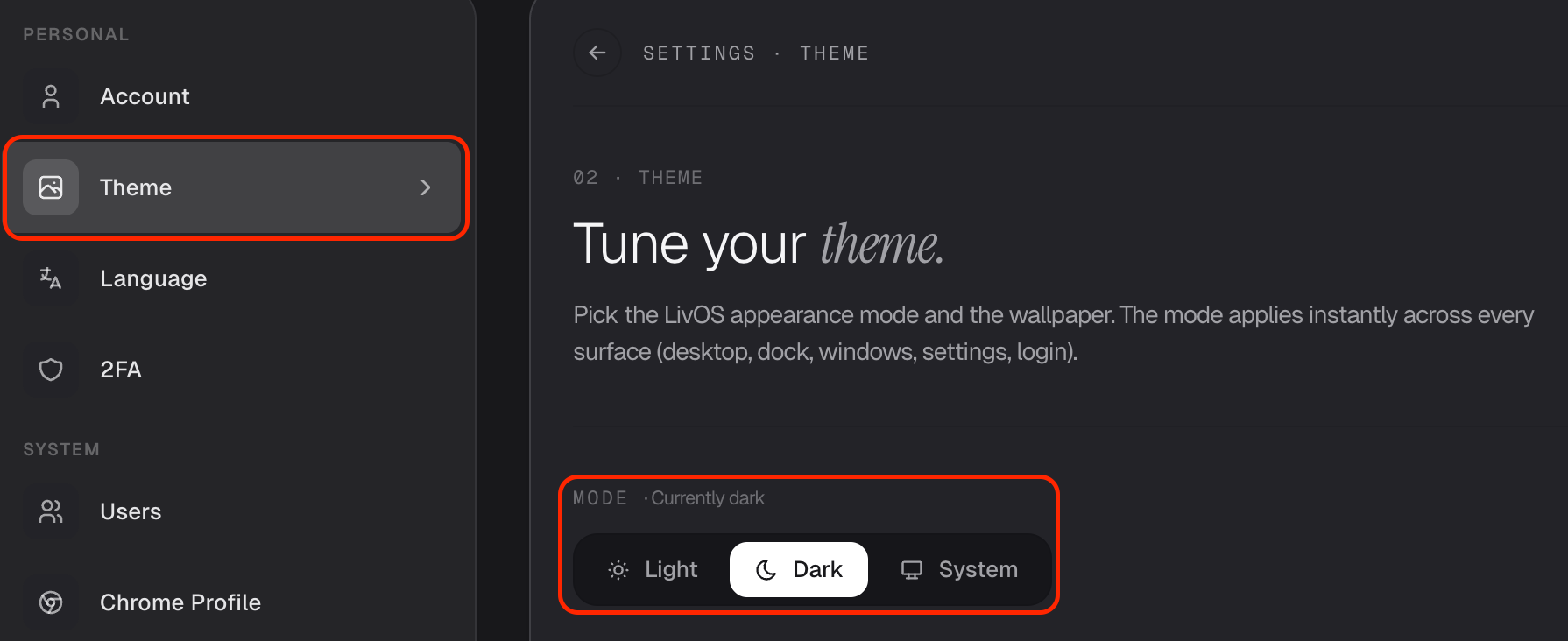
Pick whichever feels best — or set it to System and never think about it again.
Need a hand? Reach the team at everything@livinity.io.