Using Livinity on Your Phone
Using Livinity on Your Phone
Your Livinity isn't just for the big screen — it works on your phone too, with a layout built for tapping. It's perfect for checking in or managing things while you're out.
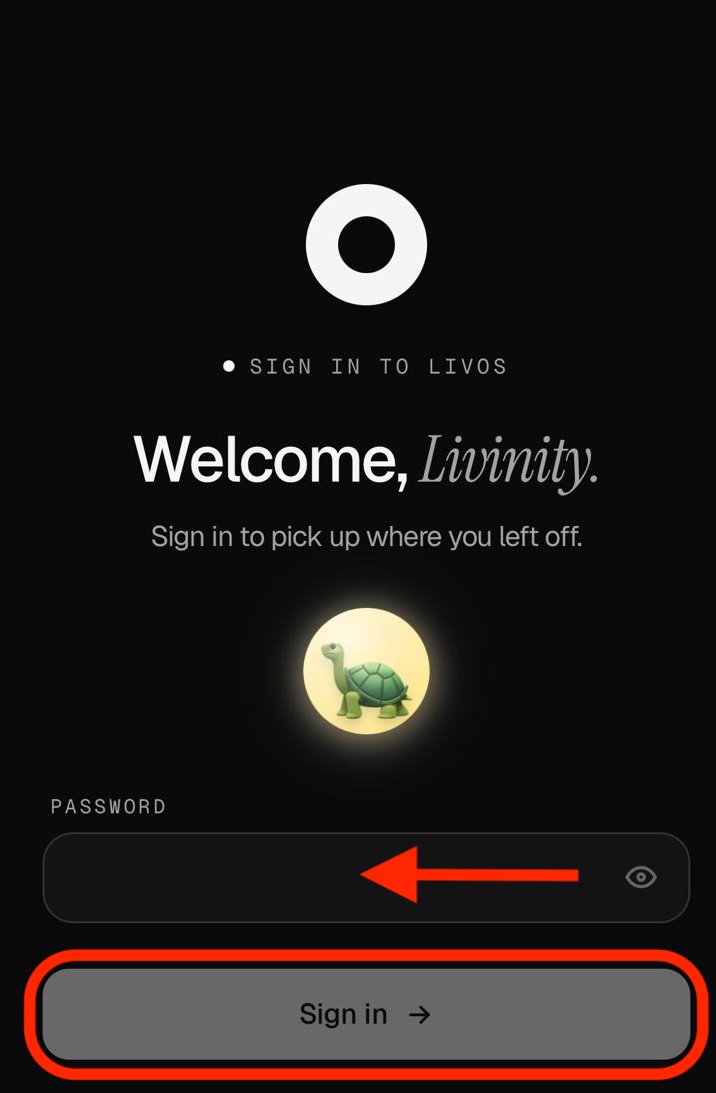
Getting in
Open your Livinity address (like yourname.livinity.io) in your phone's web
browser and sign in, just like on a computer. Livinity automatically switches to a
mobile-friendly layout.
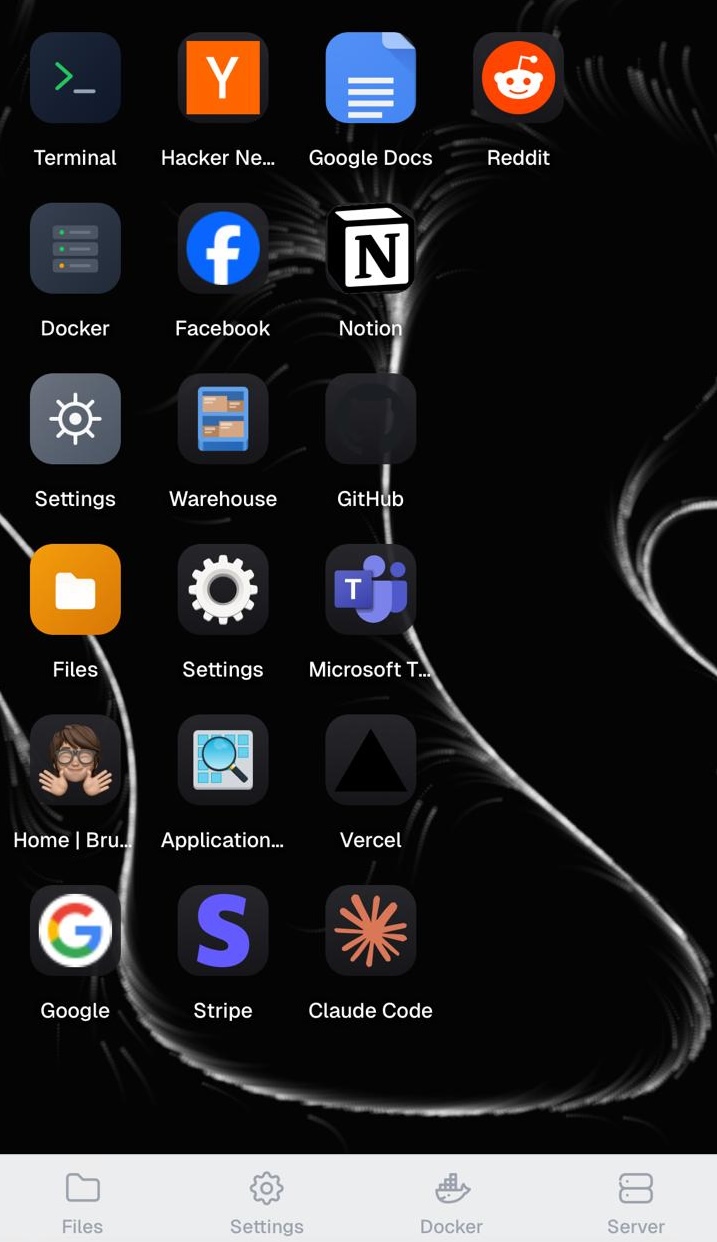
Finding your way
At the bottom you'll find tabs for the essentials — including Files, Docker, Server, and Settings — plus your apps. Tap to move between them.

On the go
The mobile view is great for quick things — checking on your apps, opening a file, or tweaking a setting — without needing to sit down at a computer.
So wherever you are, your Livinity is just a browser tab away.
Need a hand? Reach the team at everything@livinity.io.