Monitoring Your Computer
Monitoring Your Computer
Want to know how your Livinity is doing? Live Usage gives you a real-time look at how hard your computer is working — handy for spotting when something's using a lot, or just for peace of mind.
Open Live Usage
You'll find Live Usage in the topbar's system tools. It opens a dashboard that updates live.

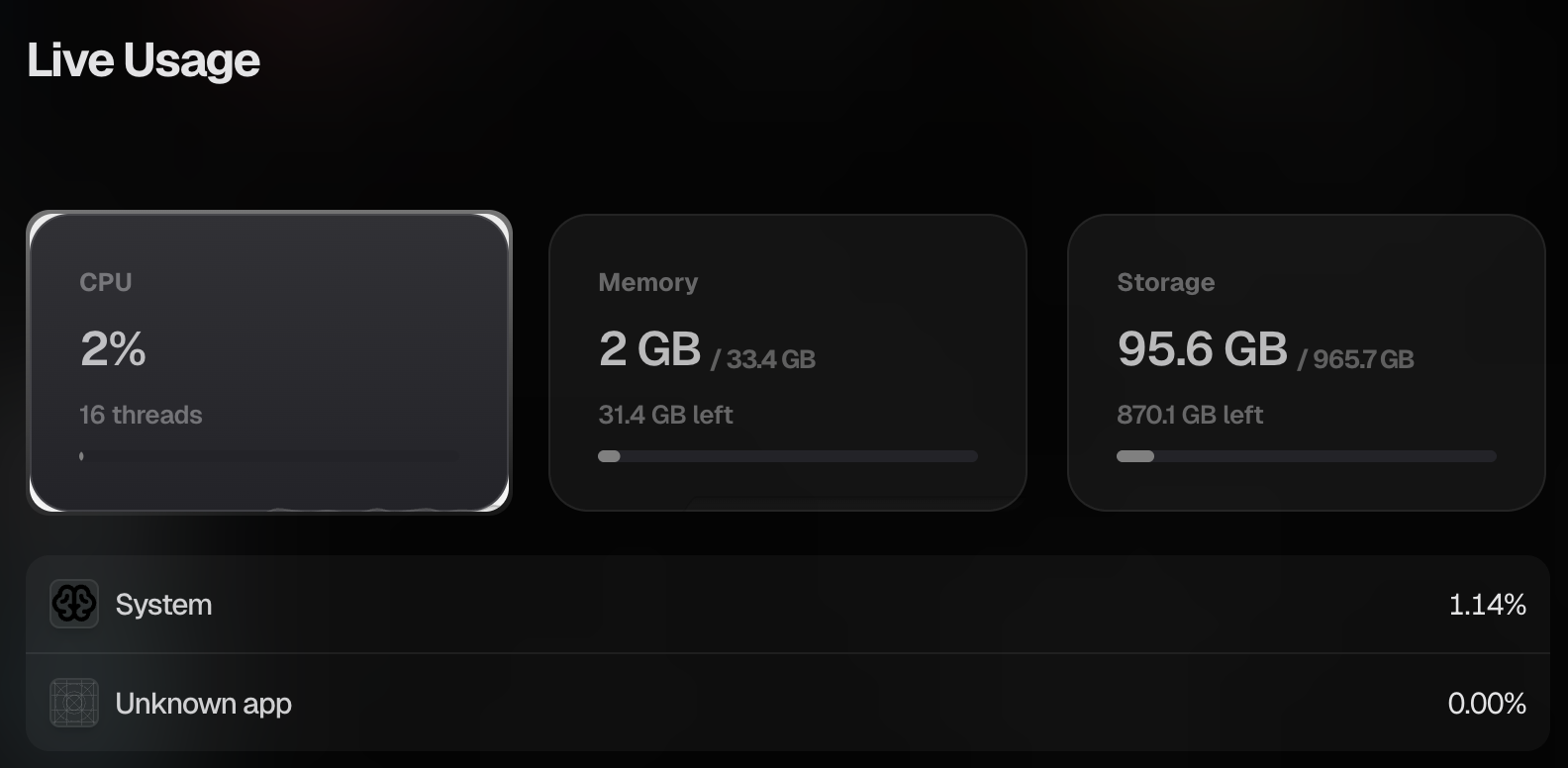
What it shows
At a glance, you can see:
- Processor (CPU) — how busy your computer's "brain" is.
- Memory (RAM) — how much working memory is in use.
- Storage (disk) — how much of your space is filled.
If something's running slow, this is the first place to look — a maxed-out number tells you what's under pressure.
Check in whenever you're curious. Most of the time everything will be comfortably in the green, which is exactly what you want to see.
Need a hand? Reach the team at everything@livinity.io.