Connecting Your Devices
Connecting Your Devices
You can link your other devices — your laptop, your phone, a tablet — to your Livinity, so they're recognized and ready to use. This page shows you how.
See your devices
Open My Devices to see everything currently connected to your Livinity, with the one you're using right now clearly marked.
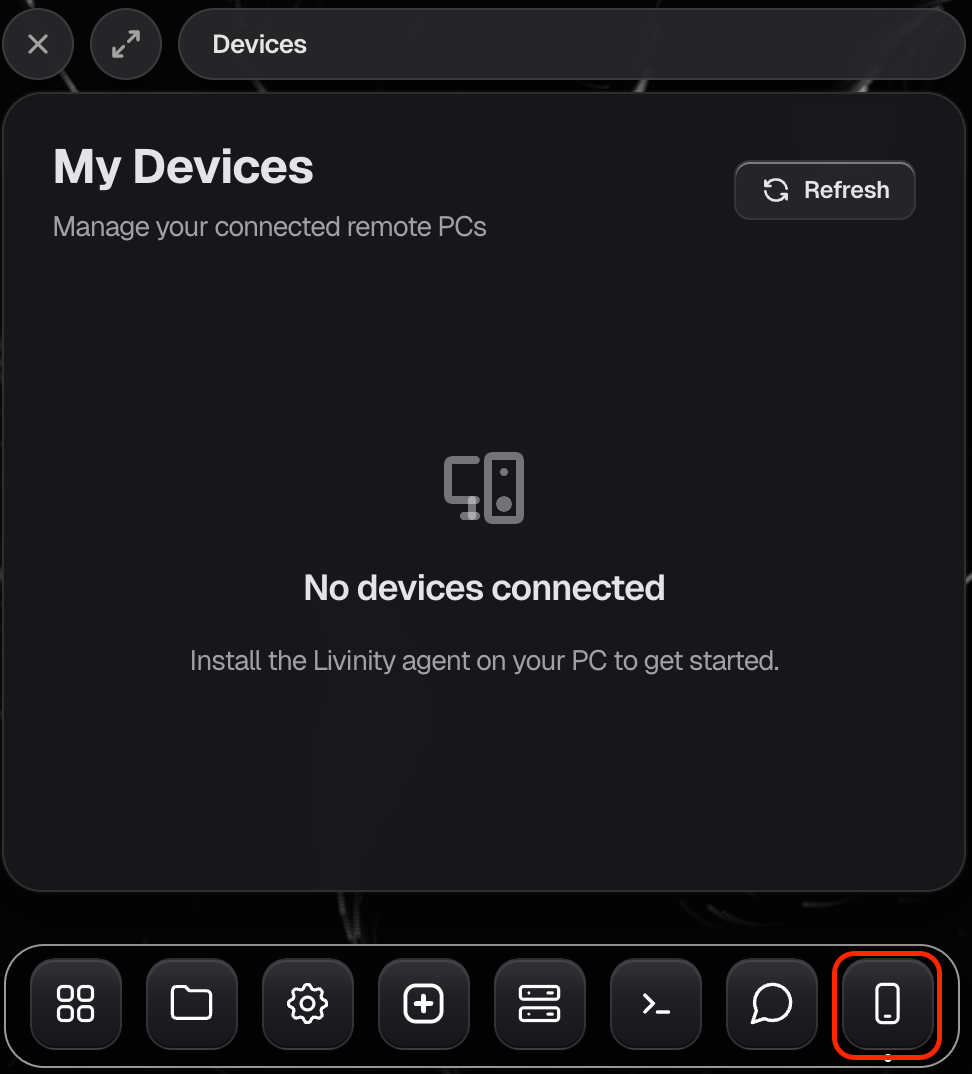
Connect a new device
To add another device, you'll pair it using a short code. On the new device, enter the code when asked, and it's connected — no fuss.
Tidy up
Don't use a device anymore? Remove it from the list, and it loses access. It's a good habit to keep the list to just the devices you actually use.
That's it — connect the devices you use, drop the ones you don't, and your Livinity travels with you.
Need a hand? Reach the team at everything@livinity.io.