Your Files
Your Files
The Files app is your file manager on Livinity — the place to keep your documents, photos, downloads, and anything else, all organized the way you like.
Browse your files
Open the Files app to see your folders and files. Click a folder to go in, and use Sort by to order things by name, date, and so on.
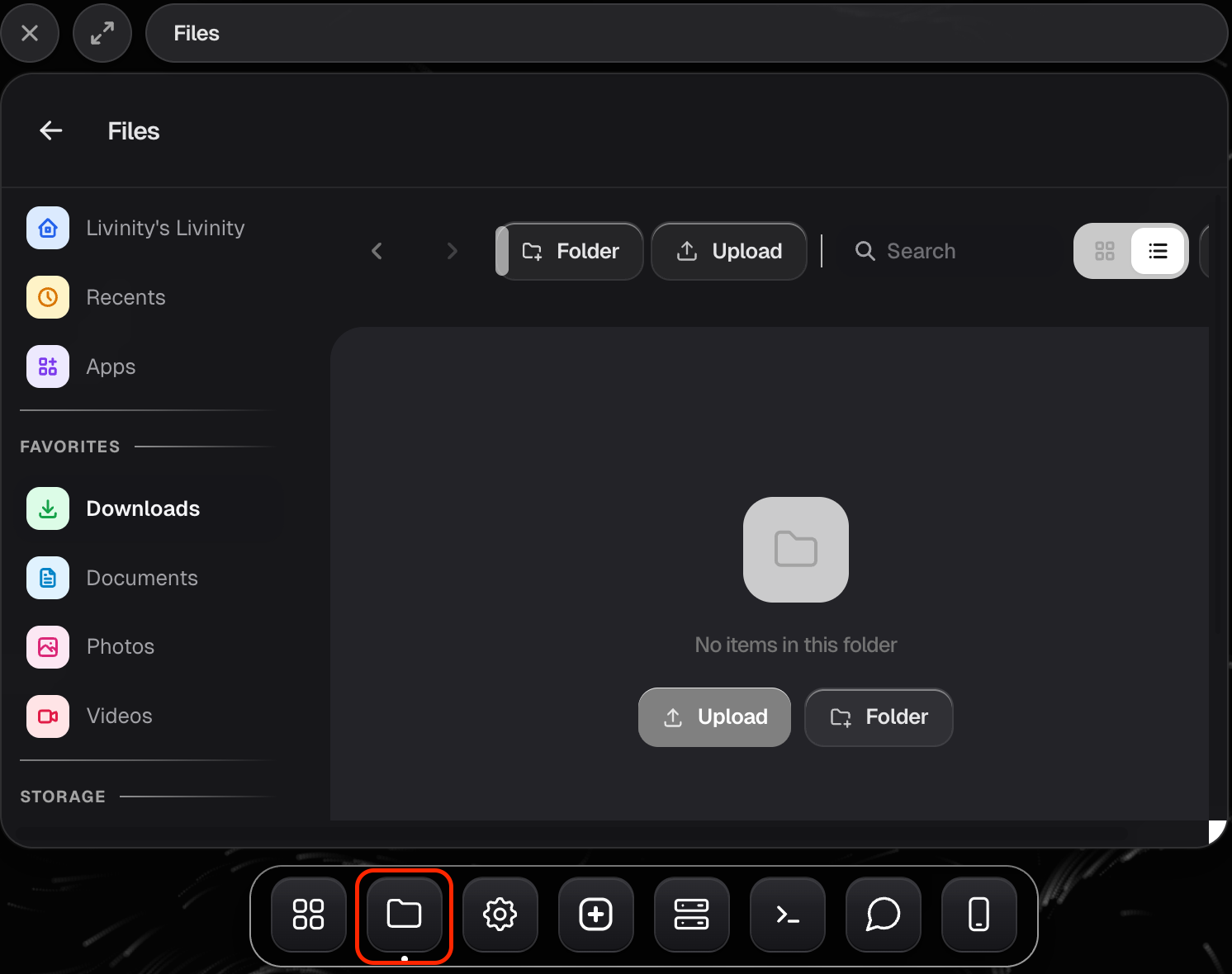
Add and organize
Everything you'd expect from a file manager is here:
- Upload files from your device.
- New Folder to create a folder.
- Rename and Move to keep things organized.
- Delete what you don't need.
Open, download, and share
- Preview a file to view it without leaving the app.
- Download a file back to your device.
- Share a file when you want to send it to someone.
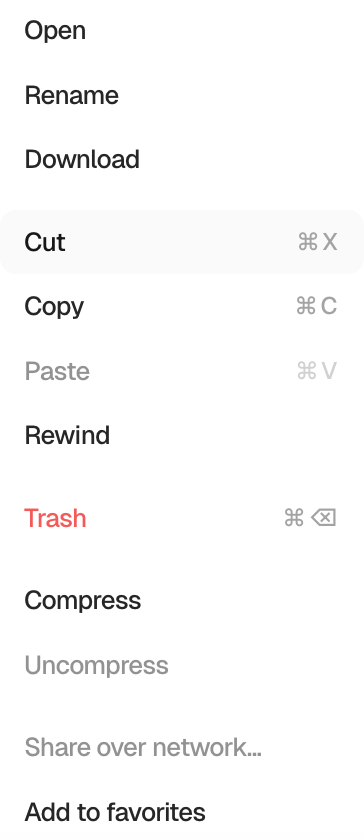
That's your Files app — upload what you need, tidy it into folders, and grab or share anything whenever you want.
Need a hand? Reach the team at everything@livinity.io.