Staying Secure
Staying Secure
Your Livinity is your own private space, and keeping it secure is mostly a handful of good habits. Here's a simple checklist — none of it takes long, and together it makes a real difference.
Use a strong password
Start with a strong, unique password for your account — not one you reuse elsewhere. You can set or change it anytime (see Account Settings).
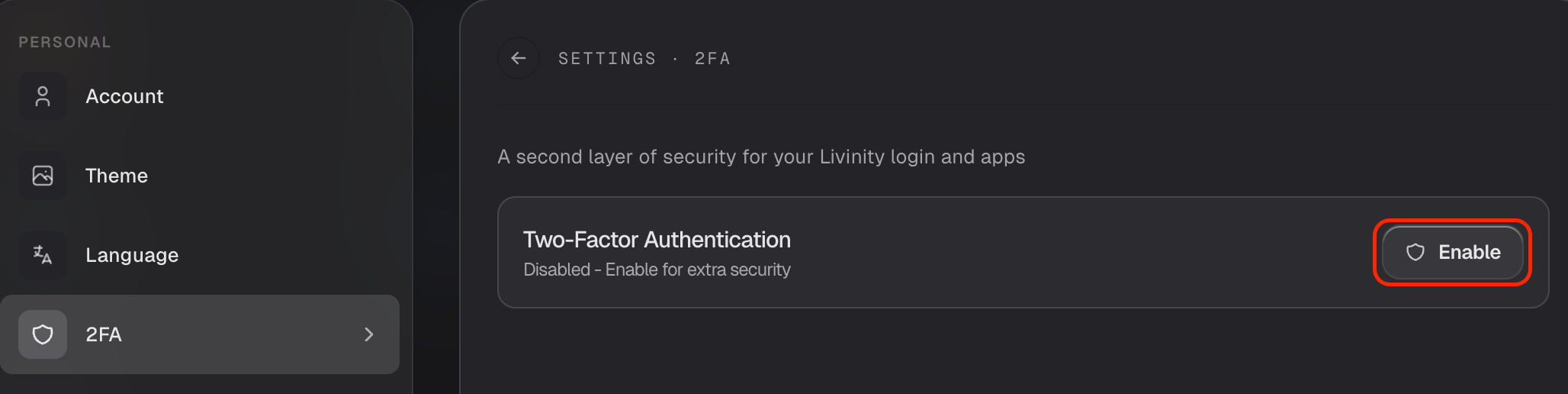
Turn on two-factor authentication
This is the big one. With two-factor authentication on, signing in needs both your password and a code from your phone — so even if someone learned your password, they still couldn't get in. Switch it on in your account (see Account Settings).
Check who's signed in
Every so often, glance at your signed-in devices and sign out anything you don't recognize (see Security & Sessions). It's a quick way to make sure it's only ever you.
Let Livinity watch your back
Some protection happens automatically: Livinity blocks addresses that show suspicious sign-in behavior, quietly, in the background — nothing for you to do.
Keep it updated, and share carefully
- Stay current — updates include security fixes, so apply them when they come (see Updating Livinity).
- Share thoughtfully — only make apps public when you mean to, since public means anyone with the link can reach them (see Sharing an App Publicly).
Do these few things — strong password, two-factor, the occasional session check, and stay updated — and your Livinity is in great shape.