Security & Sessions
Security & Sessions
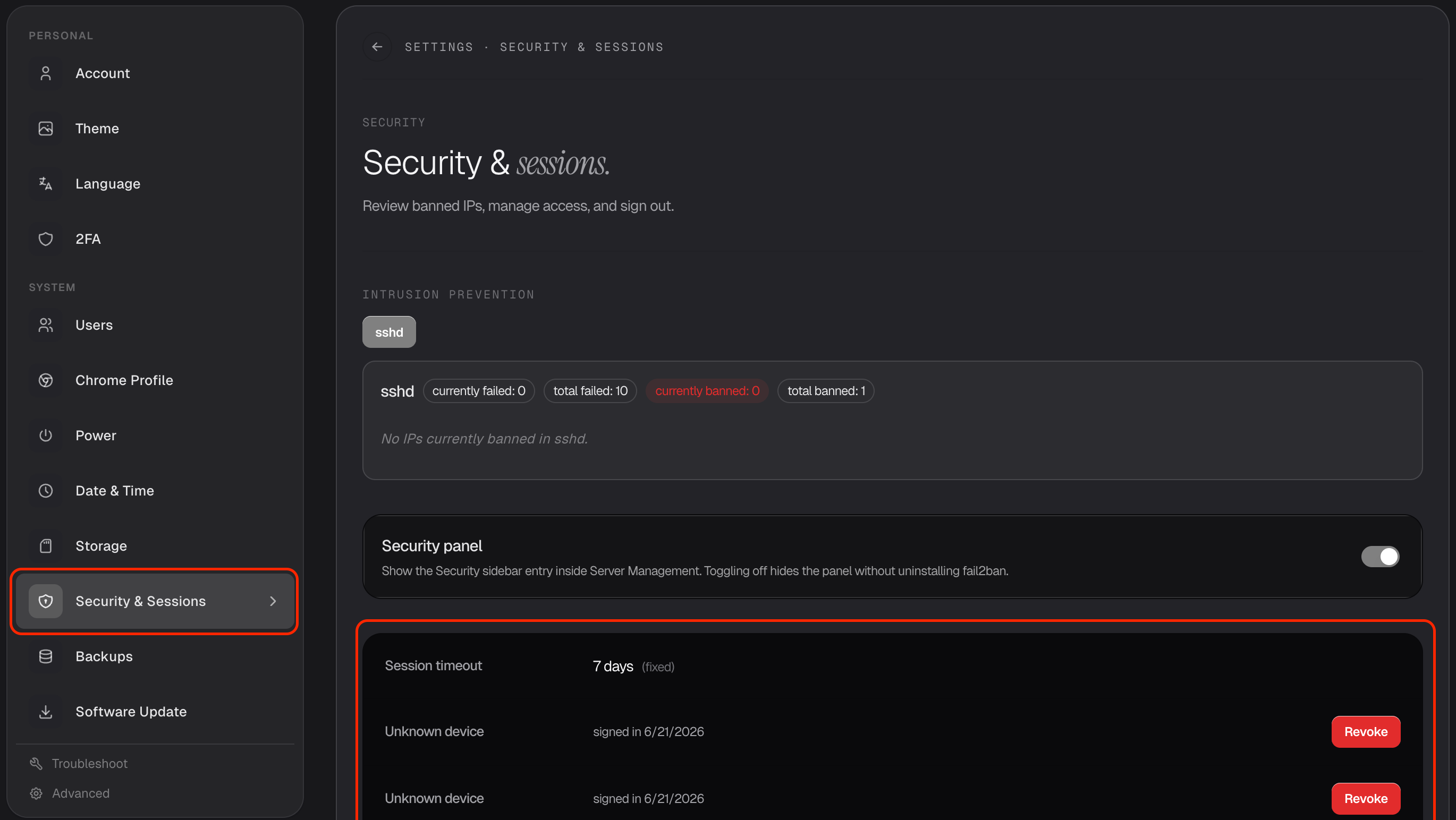
The Security & Sessions section helps you keep your account safe — see where you're signed in, sign out devices you don't recognize, and check on blocked access. Find it in Settings → Security & Sessions.
See where you're signed in
Livinity shows you the devices currently signed in to your account, with this device clearly marked.
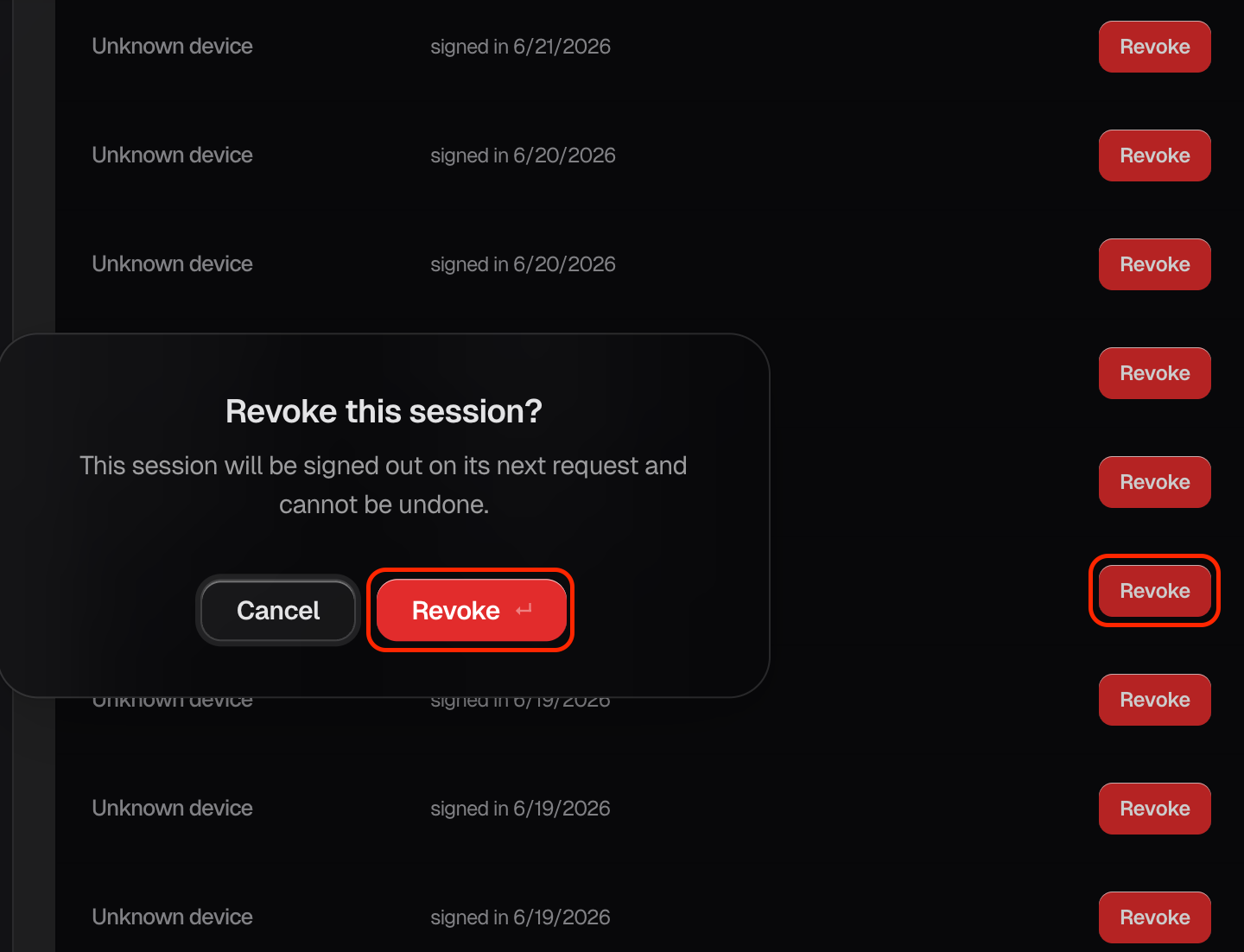
Sign out a device
See something you don't recognize, or a device you no longer use? Sign out or revoke that session, and it's logged out immediately.
Blocked access
For your protection, Livinity automatically blocks addresses that show suspicious sign-in behavior. You can review what's been blocked here — there's usually nothing you need to do, it's just working quietly in the background.
Pop in now and then to make sure the only devices signed in are ones you know.
Need a hand? Reach the team at everything@livinity.io.