Quick Search
Quick Search
When you just want to get somewhere fast, quick search is the shortcut. It's the quickest way to jump to any app or setting without hunting for it.
Open it
Press ⌘K (or Ctrl + K), or click the search in the topbar. A search box pops up in the middle of your screen.

Find and go
Start typing the name of an app or setting. As you type, matching results appear — pick one (or press Enter) and you're taken straight there.
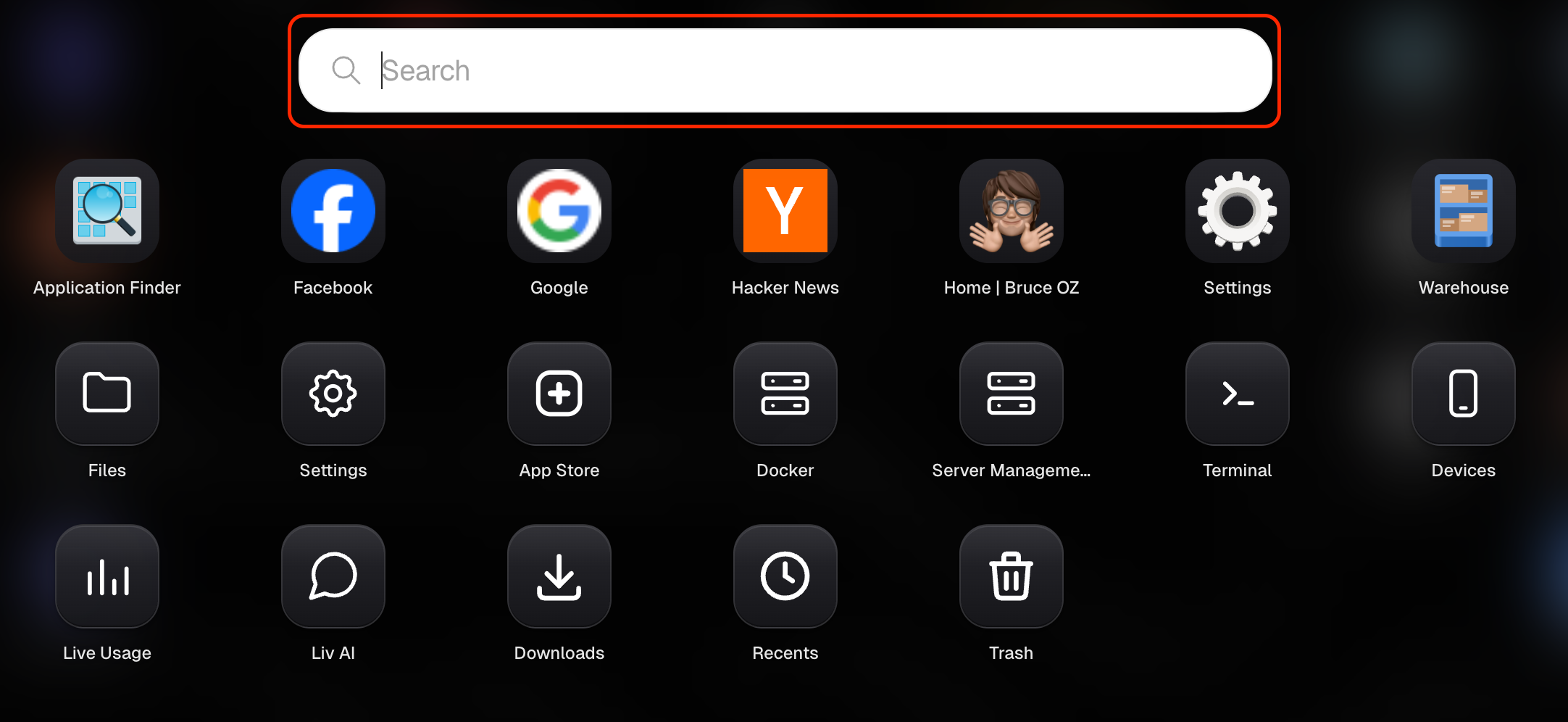
Once you get used to it, quick search becomes the fastest way to move around your Livinity — no clicking through menus required.
Need a hand? Reach the team at everything@livinity.io.