Factory Reset
Factory Reset
A factory reset wipes your Livinity completely and returns it to a fresh, out-of-the-box state. It's a powerful tool for starting over — but because it erases everything, it's one to use carefully.
What it does
A factory reset removes everything — your apps, your files, your settings — and sets your Livinity back to how it was on day one. There's no undo.
⚠️ This can't be reversed. Once a factory reset runs, anything not backed up is gone for good.
Back up first
Before you reset, make a backup of anything you want to keep (see Backing Up Your Livinity), and put it somewhere off your machine — like a USB drive or the cloud. That way you can restore your stuff afterward, or onto a new setup.
When you'd use it
A factory reset makes sense when you want to:
- start completely fresh, or
- hand your device on to someone else with none of your data on it.
If you're just troubleshooting, try the gentler steps first (see Troubleshooting & Diagnostics) — a reset is rarely needed to fix a problem.
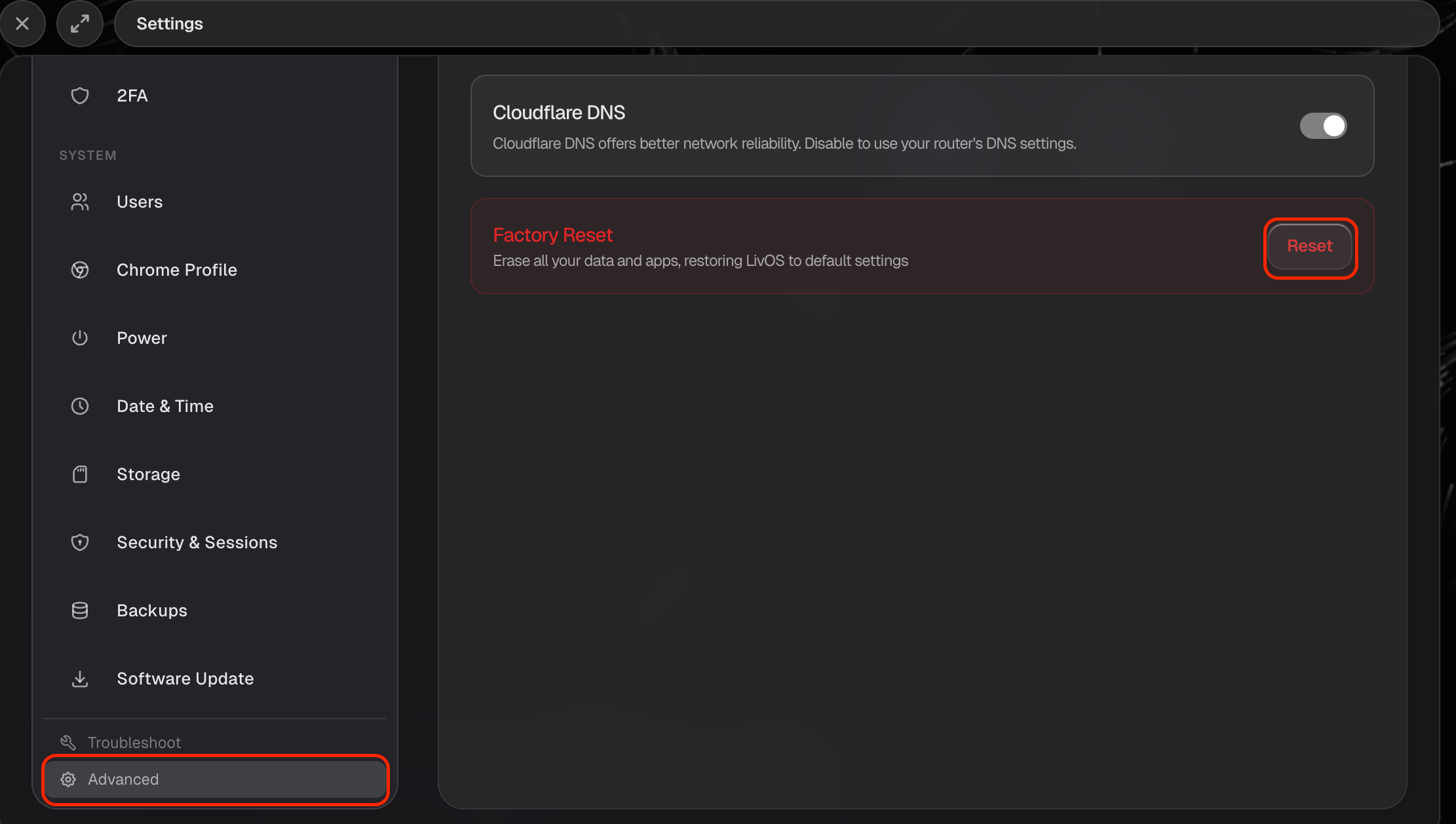
Used thoughtfully — and after a backup — a factory reset is a clean way to begin again. Just be sure before you confirm.