The Terminal
The Terminal
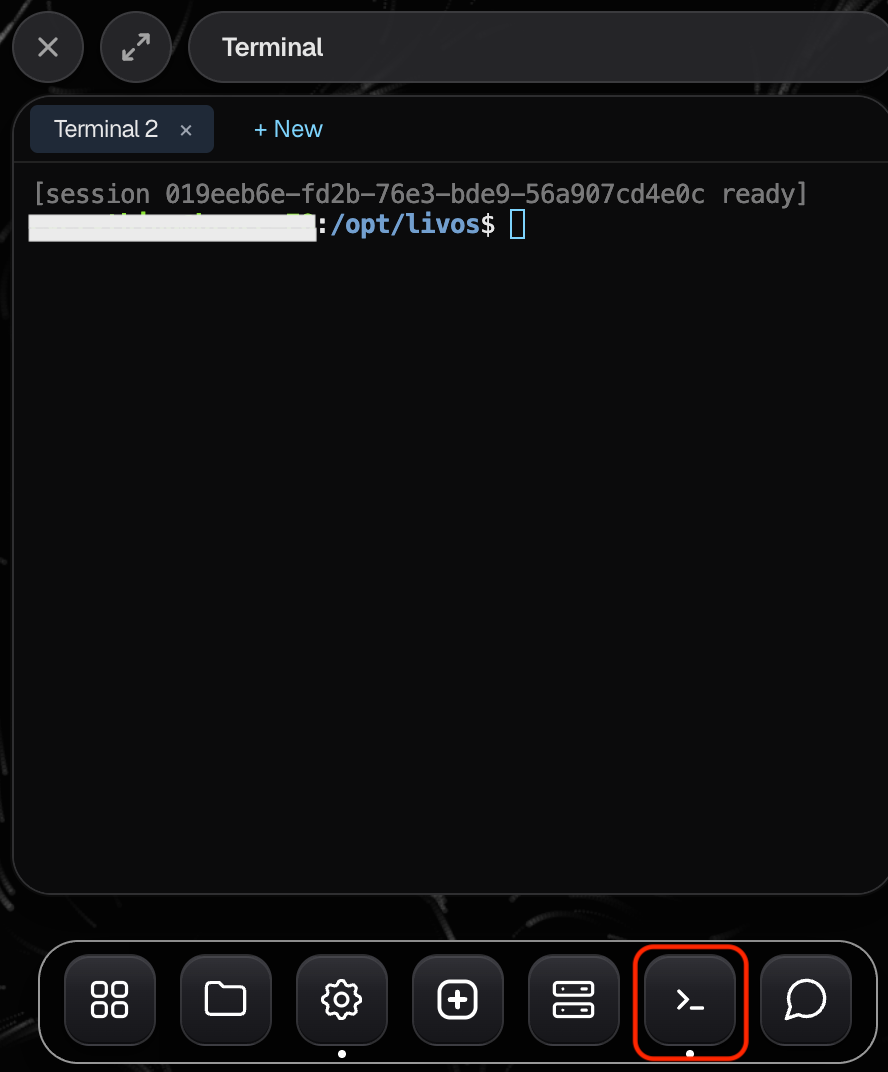
The Terminal is a command line for your Livinity — a text window where you can type commands directly. It's a power-user tool, and most people never need it, but it's there when you do. Open it from the topbar's system tools.
Opening it
Find Terminal in the topbar and open it. You'll get a window where you can type commands and see their output.
Should you use it?
For everyday use — running apps, chatting with Liv, managing settings — you'll never need the terminal. Everything has a friendly screen for it.
The terminal is there for advanced tasks and tinkering. If a guide or a helper ever asks you to "run a command," this is where you'd do it. If that's not something you're into, you can happily ignore it.
A gentle word of caution: commands do exactly what they say, so only paste in ones you understand or trust. When in doubt, it's safer to use the regular screens or ask Liv.