Inviting People
Inviting People
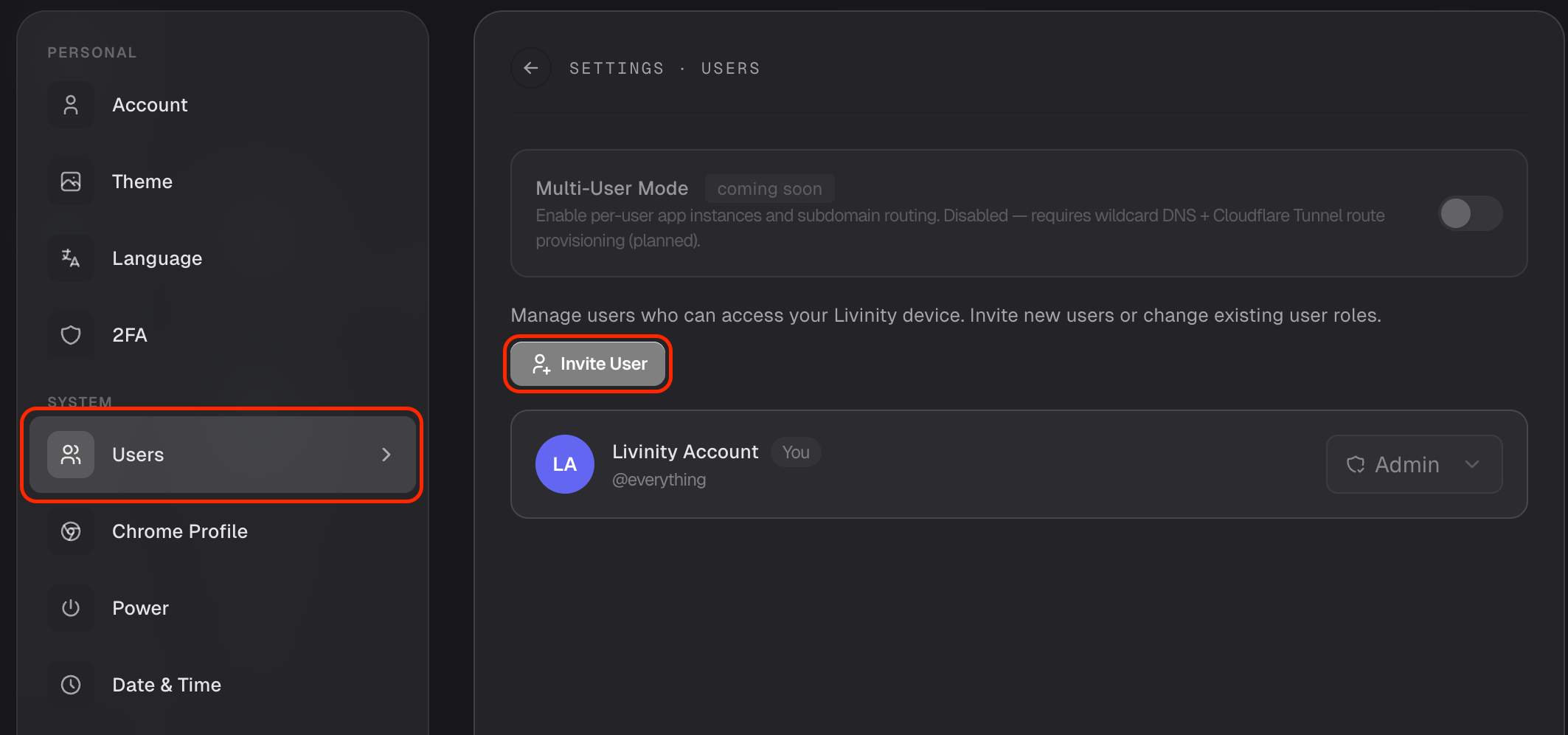
Your Livinity can be shared with other people — family, a partner, teammates. Each person gets their own account, and you decide how much access they have. You'll find this in Settings → Users.
Invite someone
- Open Settings → Users.
- Click Invite New User.
- Send them the invite, and they'll set up their own account from the link.
Choose their role
When you invite someone, you pick a role:
- Admin — full control, including managing apps, settings, and other users.
- Member — regular access to use the Livinity, without the admin controls.
Give people only as much as they need — Member is the right choice for most.
Managing everyone
The Users list shows everyone with access. From there you can change someone's role or remove them entirely if they no longer need in.
Share your Livinity with the people you trust, keep roles tidy, and everyone gets their own space.
Need a hand? Reach the team at everything@livinity.io.