Your livinity.io Account & Profile
Your Account & Profile
This is your livinity.io account — the login you use for the website and your dashboard. (It's separate from the account inside your computer; for that, see Account Settings.) Here's how to manage it.
Your details
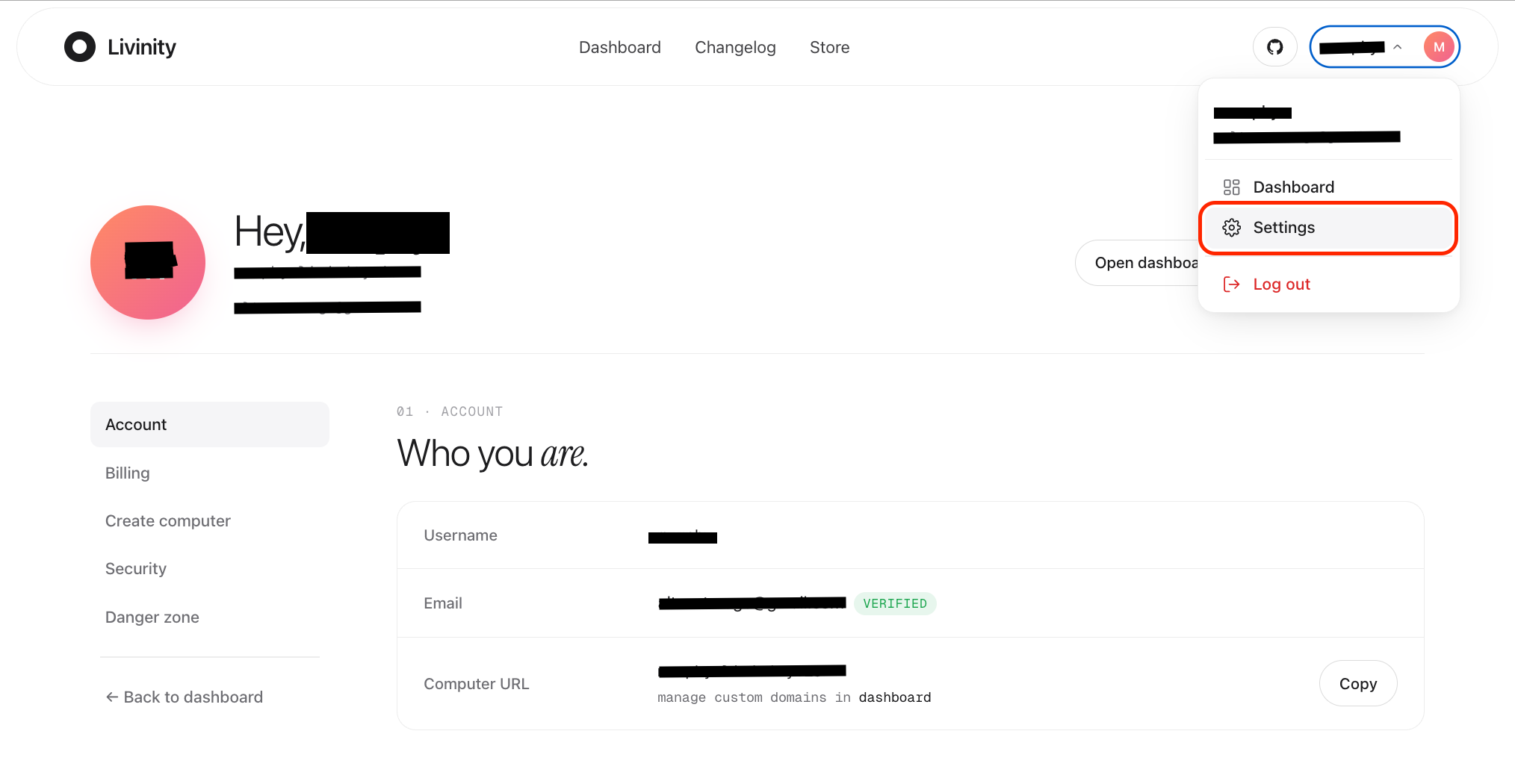
From your account settings on livinity.io, you can update the basics — your name, your email, and your password — and set your profile picture, so your account feels like yours.
Getting there
Click your name in the top-right corner of the site and choose Settings. Everything for your account lives there.
Signing out
From that same menu, Log out signs you out of livinity.io. (This is separate from signing out of your computer's desktop.)
A quick note on the two accounts: your livinity.io account gets you into the website and dashboard, while your computer's account (see Account Settings) is what you use on the desktop itself. Keeping a strong password and two-factor on both is the way to go (see Staying Secure).