Liv Providers
Choosing What Powers Liv
Under the hood, Liv is powered by an AI model — and you get to choose which one. Different models have different strengths (and costs), so you can pick what suits you, including running one privately on your own machine.
Your options
Liv can run on any of these:
- Claude (Anthropic)
- GPT (OpenAI)
- Grok (xAI)
- Groq — known for very fast responses
- A local model (via Ollama) — runs entirely on your own computer, so nothing leaves your network
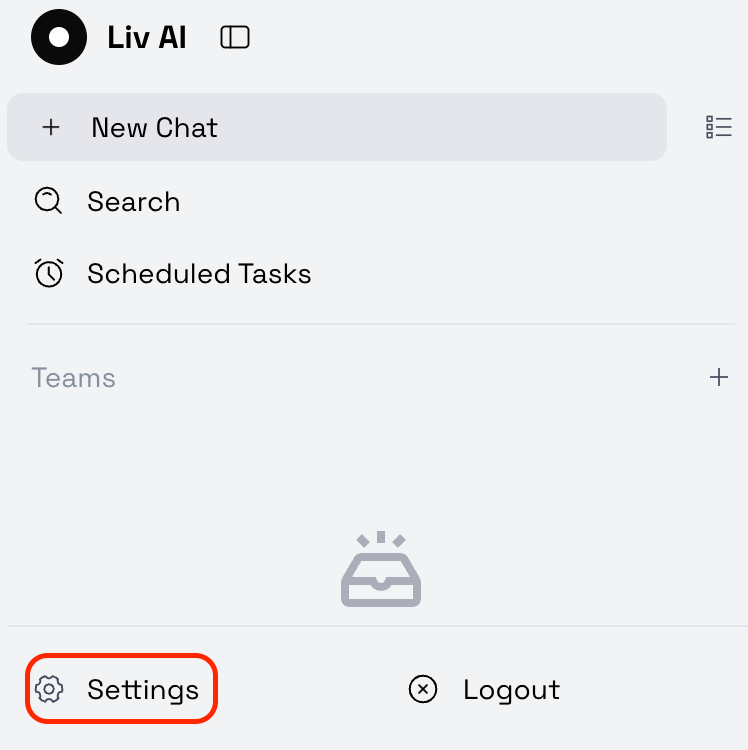
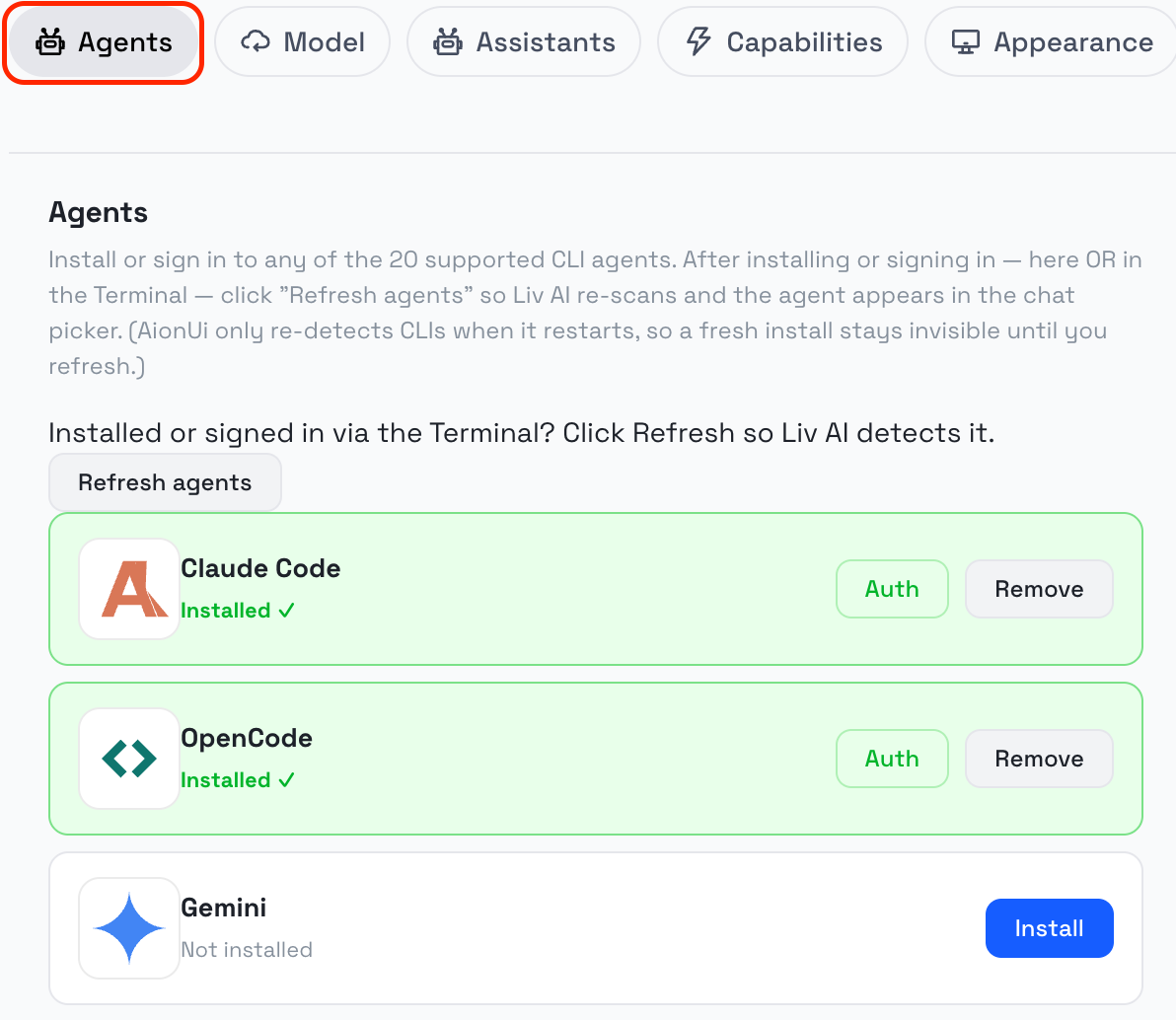
Connecting a provider
To use one of the online models, you add that provider's API key once. Liv keeps it safely on your Livinity, and you're set.
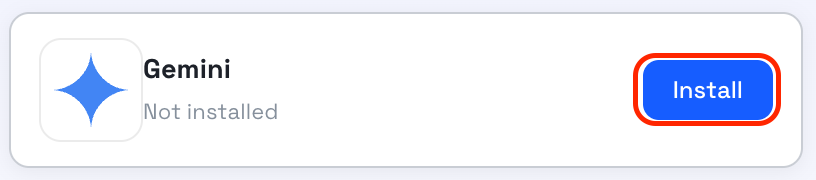
The install should take a couple of seconds. You can close the terminal once it is over.
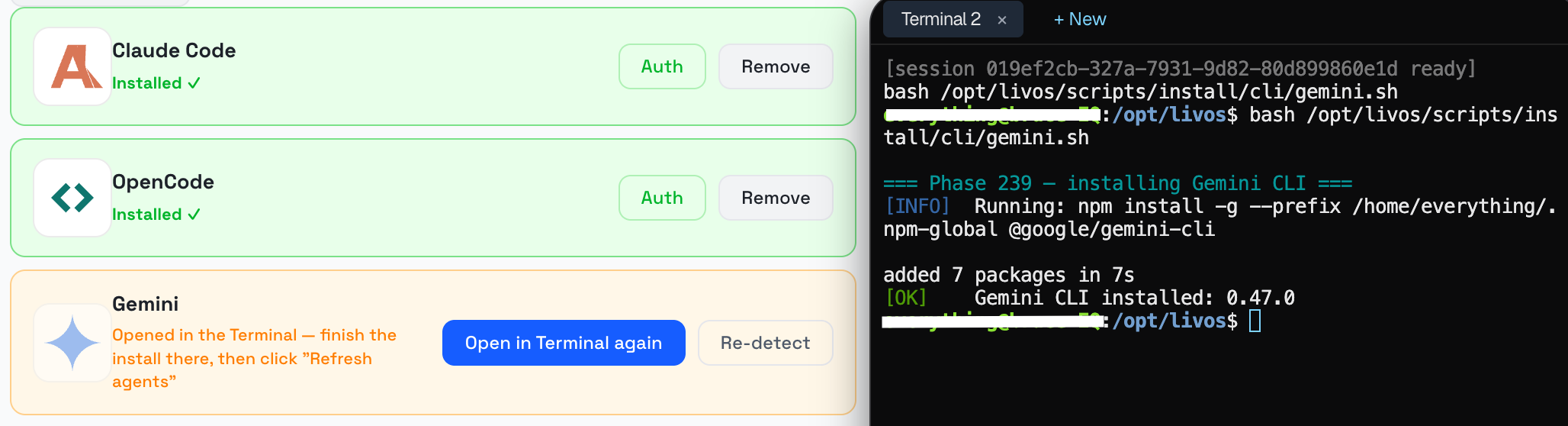
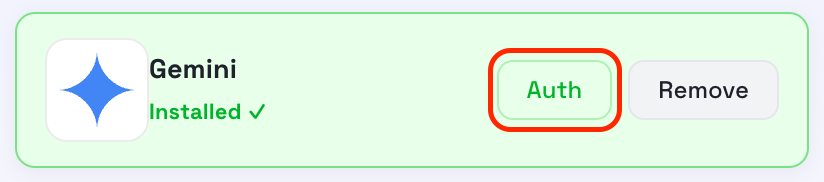
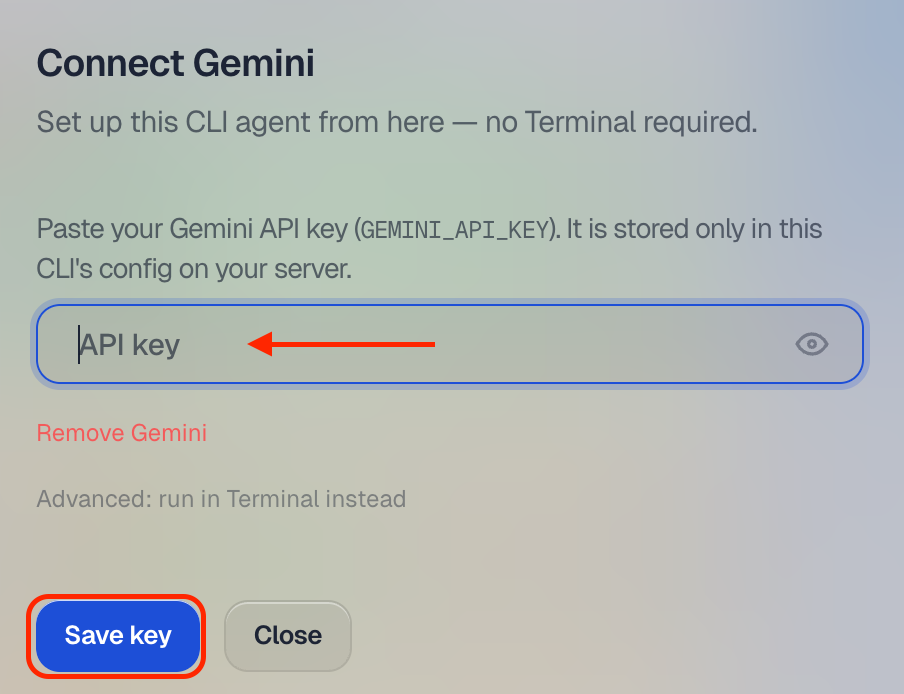
Proceed by authorizing with your API key.
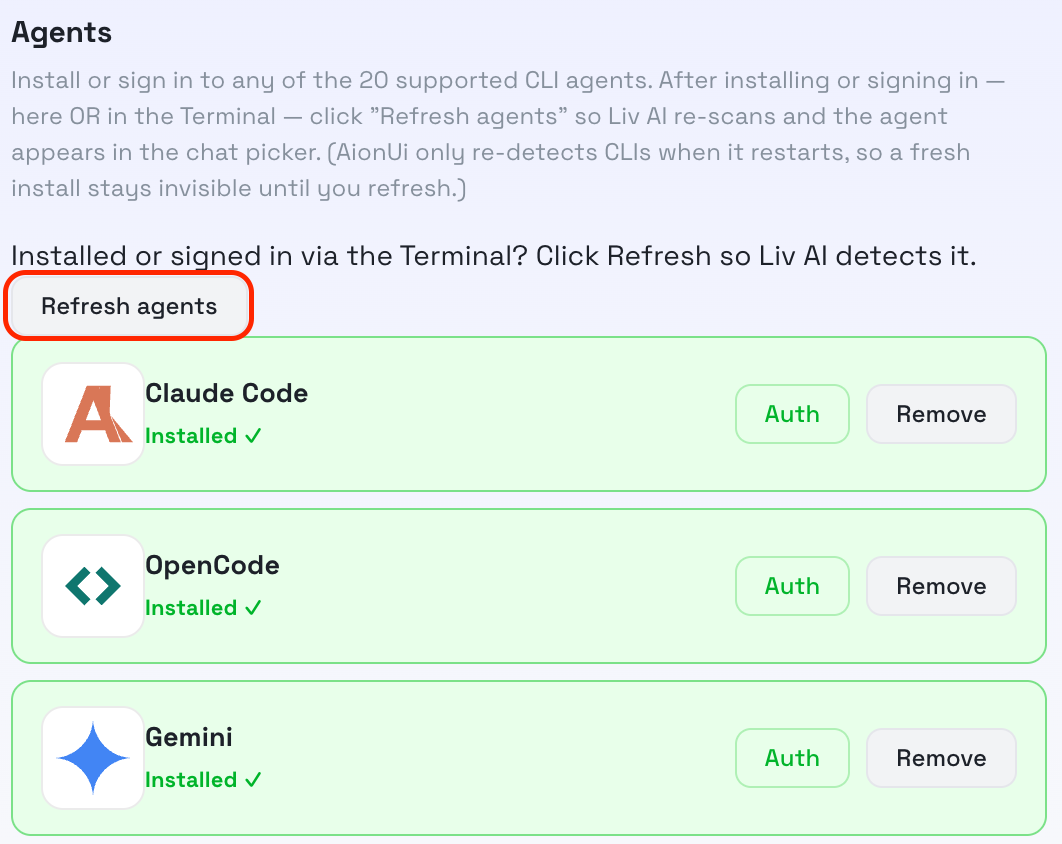
Last step: Click refresh agent, otherwise it won't detect it!
Prefer not to deal with keys at all? Choose a local model with Ollama — it's private and free to run, just slower and only as capable as your hardware allows.
A note on apps
Some AI apps in the App Library can use your Claude subscription directly, so you don't have to set up a separate key for them. You'll see that noted on the app's page when it applies.
That's the gist: pick the model you want, connect it once, and Liv runs on it. You can switch later anytime.