Wallpaper & Accent Color
Wallpaper & Accent Color
Want your Livinity to feel like yours? Start with the background and colors. You can pick a wallpaper and an accent color in just a few clicks.
Change your wallpaper
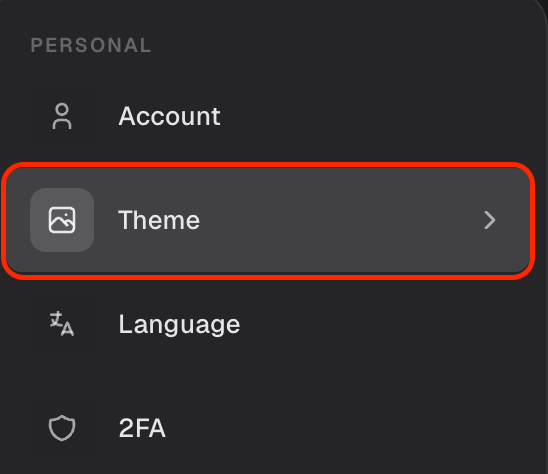
- Open Settings and go to Theme.
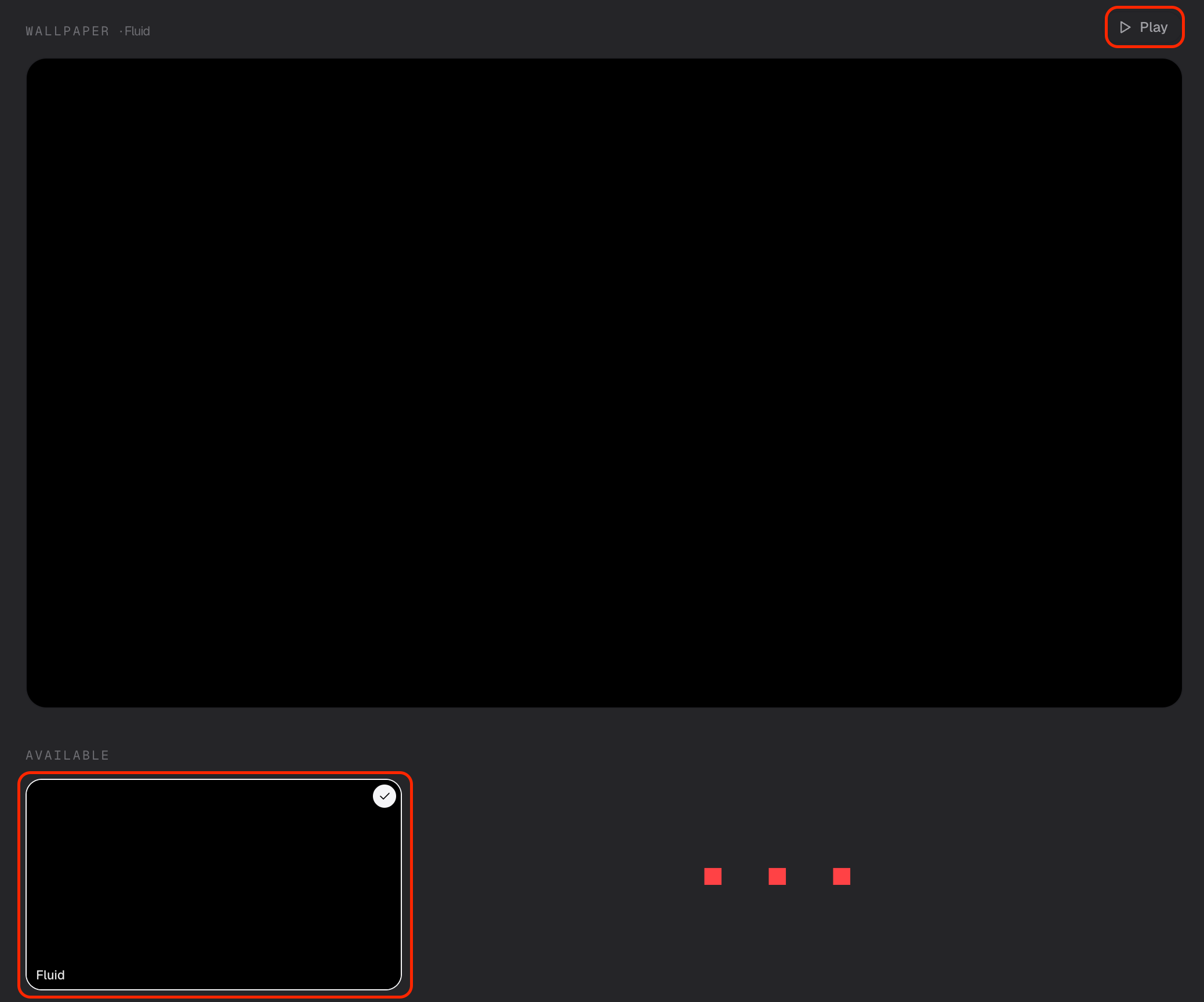
- Pick a wallpaper from the choices — including some lovely animated ones that gently move in the background.
Your desktop updates right away.
Pick an accent color
In the same Theme section, choose an accent color. That's the highlight color Livinity uses for buttons, selections, and little touches throughout — a quick way to set the mood.
Try a wallpaper and color combo that makes you smile when you open your computer — it only takes a second to change again later.
Need a hand? Reach the team at everything@livinity.io.