The Topbar
The Topbar
The topbar runs along the very top of your desktop. It's home to your profile, a few handy controls, your system tools, and the clock. Here's what's up there.
Screenshots: Each numbered slot below is a placeholder. Drop your image into the
media/folder using the filename shown, and it will appear here automatically.
A quick tour

From the topbar you can reach:
- Your profile — change your name and picture.
- Show desktop — tuck all your windows away to see your background.
- Theme toggle — switch between light and dark mode.
- Search — open the Launchpad to find and open any app (also ⌘K).
- Report a problem — send us a bug, feedback, a request, or a question.
- System tools — Live Usage, Displays, Docker, and Terminal (more below).
- The clock — with the current time and your local weather.
Your profile
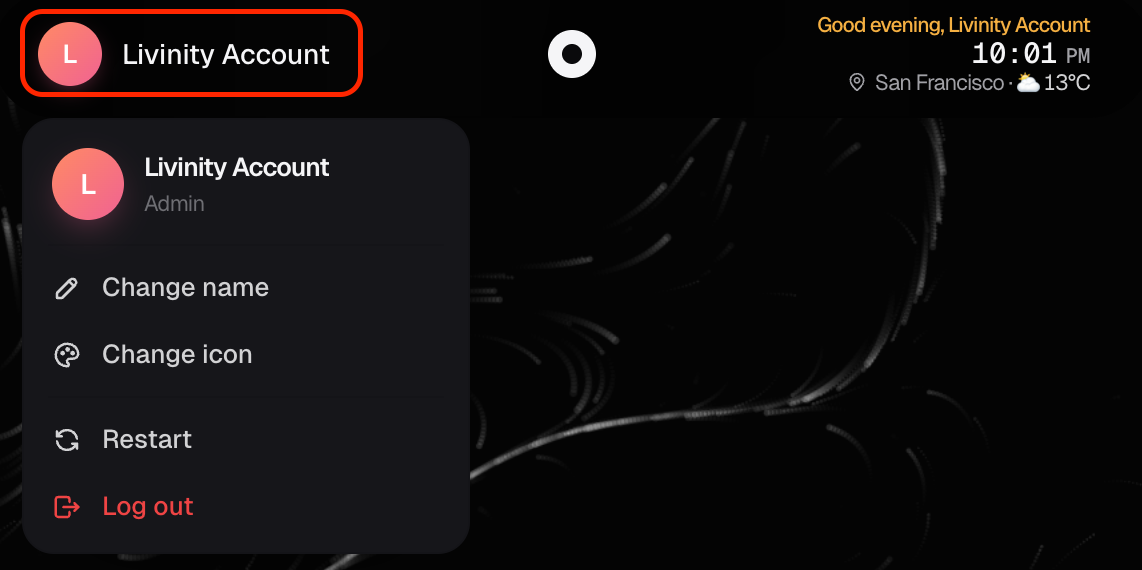
Click your profile to update your name and picture, so your Livinity feels like yours.
Report a problem
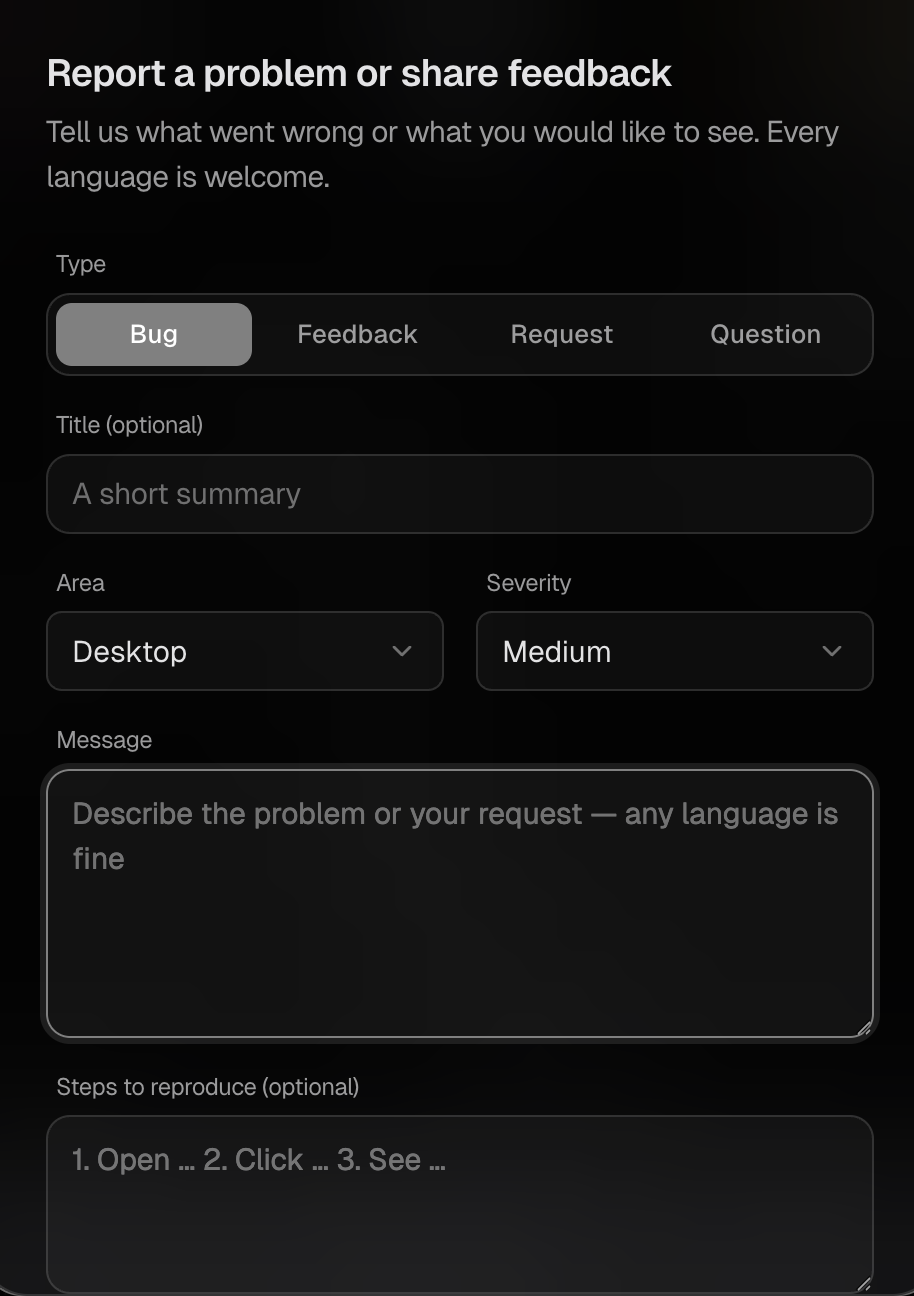
Hit a snag or have an idea? Report a problem lets you send a:
- Bug — something's broken
- Feedback — thoughts on how it's going
- Request — something you'd like added
- Question — anything you're unsure about
Write it in any language — we'll understand.

System tools
The topbar also gives you quick access to a few behind-the-scenes tools:
- Live Usage — see how your computer is doing (processor, memory, storage).
- Displays — manage your screens.
- Docker — a look at the containers behind your apps.
- Terminal — a command line, for when you need it.

Don't worry if some of those sound technical — for everyday use, you'll mostly live in your apps. They're just there when you want them.
That's the topbar: your profile, your quick controls, your tools, and the time, all in one place.