Backing Up Your Livinity
Backing Up Your Livinity
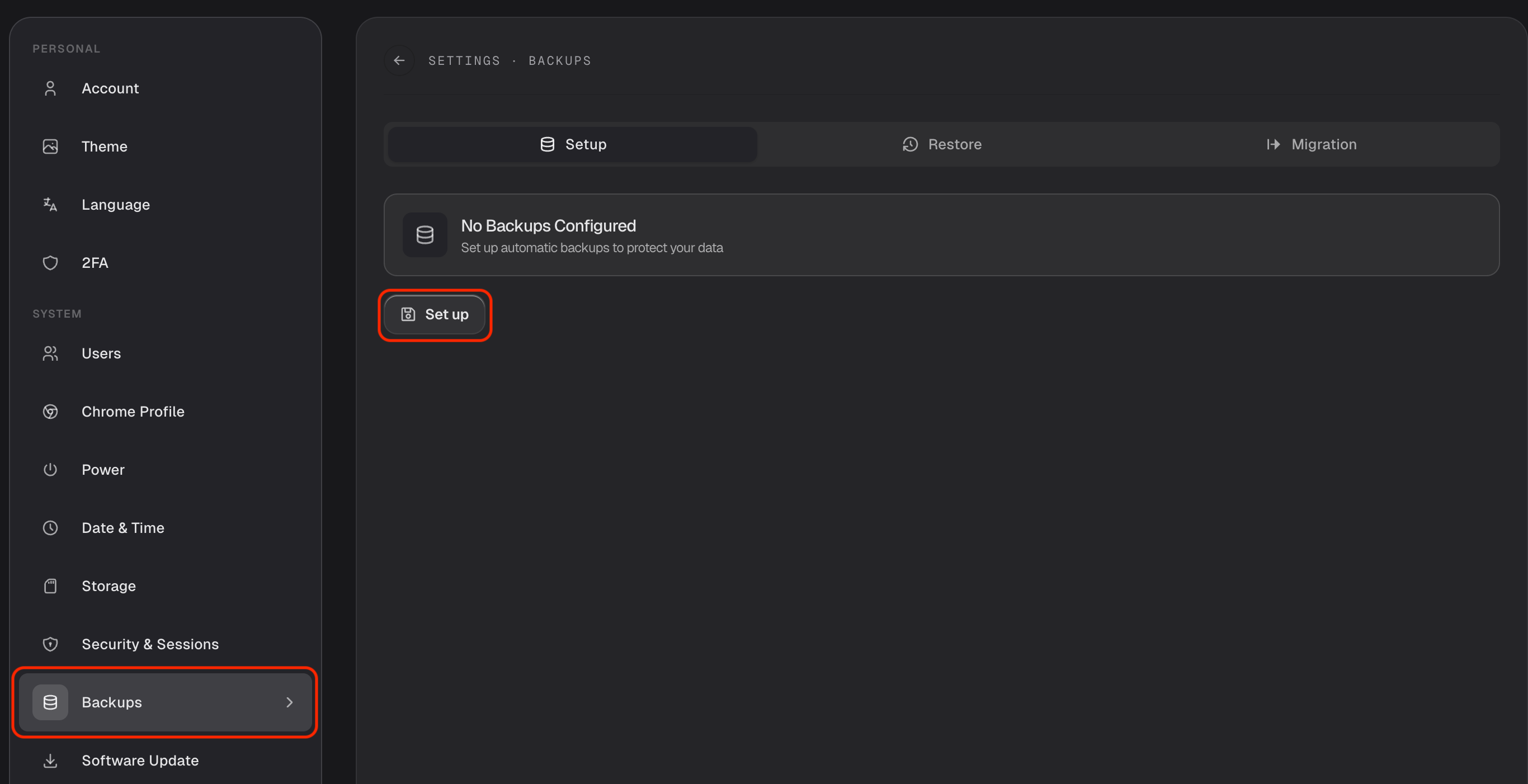
Backups are your safety net. With one in place, you can recover your apps and files if something ever goes wrong — a failed drive, a mistake, a move to new hardware. Set them up in Settings → Backups.
What gets backed up
Your backup can include your apps and your files — the things that make your Livinity yours.
Choose where it goes
Pick a destination for your backups:
- Local — kept on your own machine.
- A USB drive — plug one in and back up to it (see Storage & Drives).
- The cloud — stored off-site for extra peace of mind.
Off-site (cloud or a separate drive) is safest, since it survives even if your main machine doesn't.
Keep it private and automatic
- Encrypt your backup so only you can read it.
- Schedule it to run automatically — say, every night — so you never have to remember.
Restoring
If you ever need to, you can restore from a backup — bringing your apps and files back to how they were.
Set up a backup once, send it somewhere safe, let it run on a schedule — and you can relax knowing your Livinity is protected.
Need a hand? Reach the team at everything@livinity.io.