Language & Region
Language & Region
Livinity can speak your language and show the time the way you're used to. These settings live in two places in Settings: Language (under Personal) and Date & Time (under System).
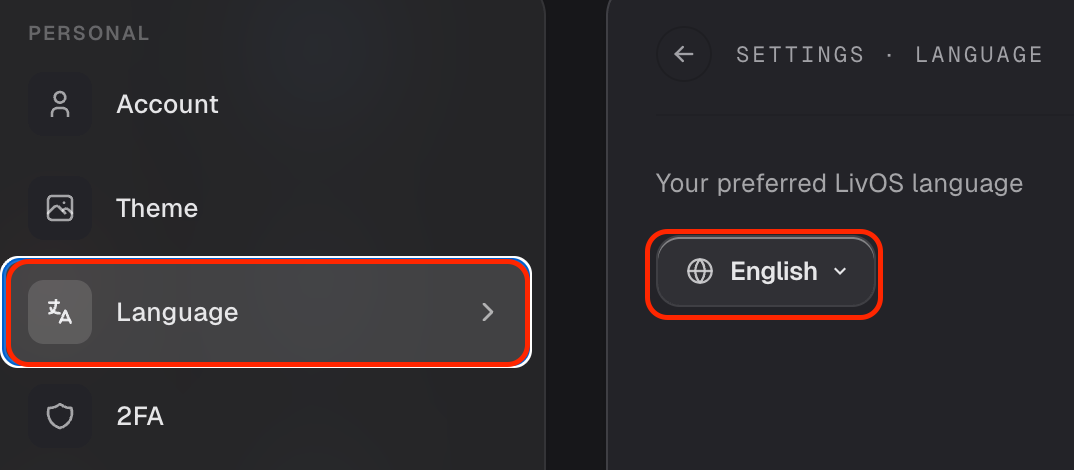
Change the language
- Open Settings and go to Language.
- Pick your language from the list.
The interface switches over right away.
Set your time zone and clock
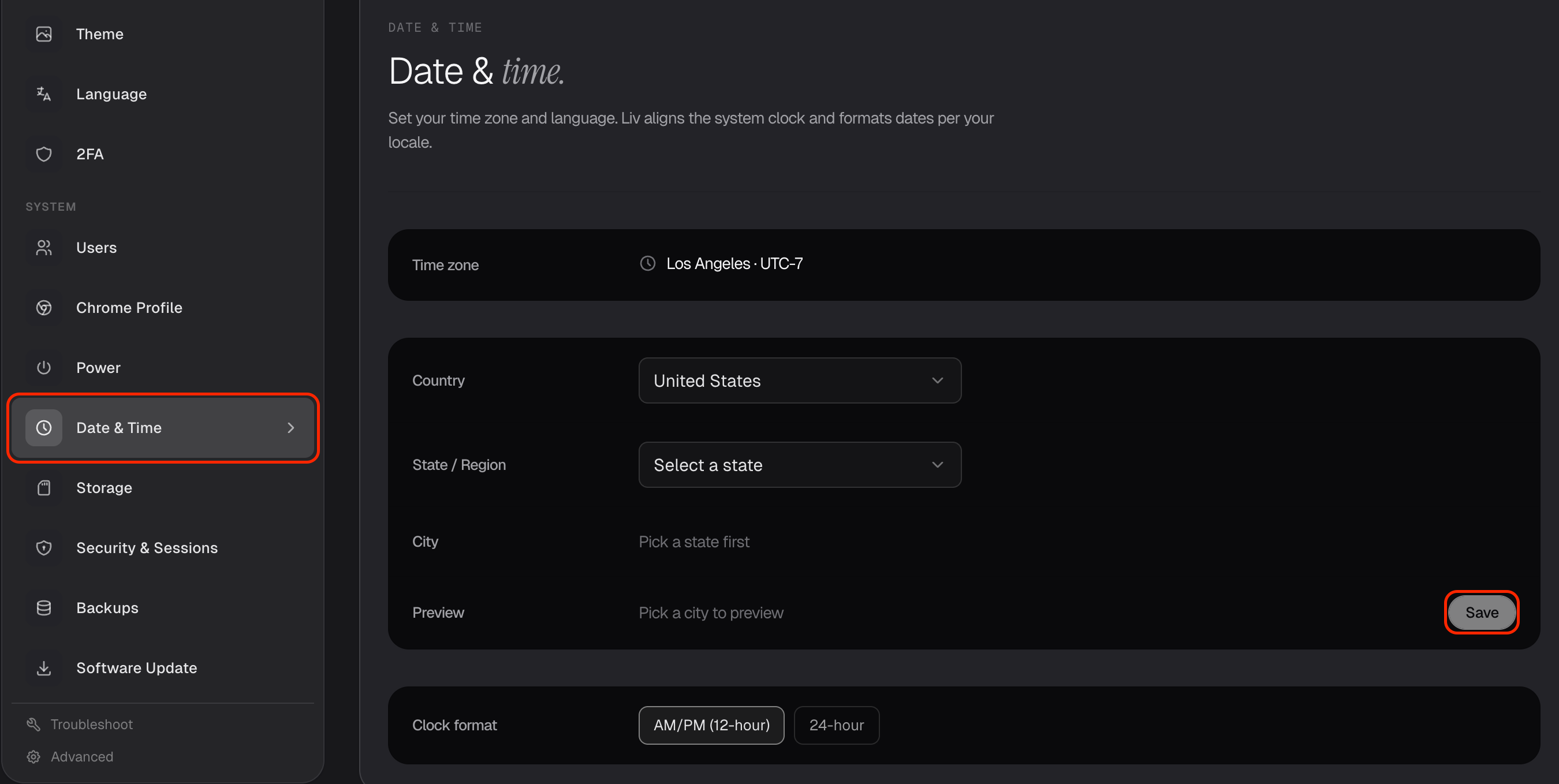
In Settings → Date & Time, you can:
- Set your time zone, so the clock and timestamps match where you are.
- Choose a 12-hour (2:30 PM) or 24-hour (14:30) clock — whichever you prefer.
Set these once and everything across your Livinity — the clock, your apps, Liv — speaks your language and keeps your local time.
Need a hand? Reach the team at everything@livinity.io.