Storage & Drives
Storage & Drives
Need more room, or want to reach files on another device? The Storage section lets you add USB drives and connect network shares. Find it in Settings → Storage.
Add a USB drive
Plug a USB drive into the machine running your Livinity, and it shows up here. Give it a label and connect it, and you've got extra space for your files and backups.
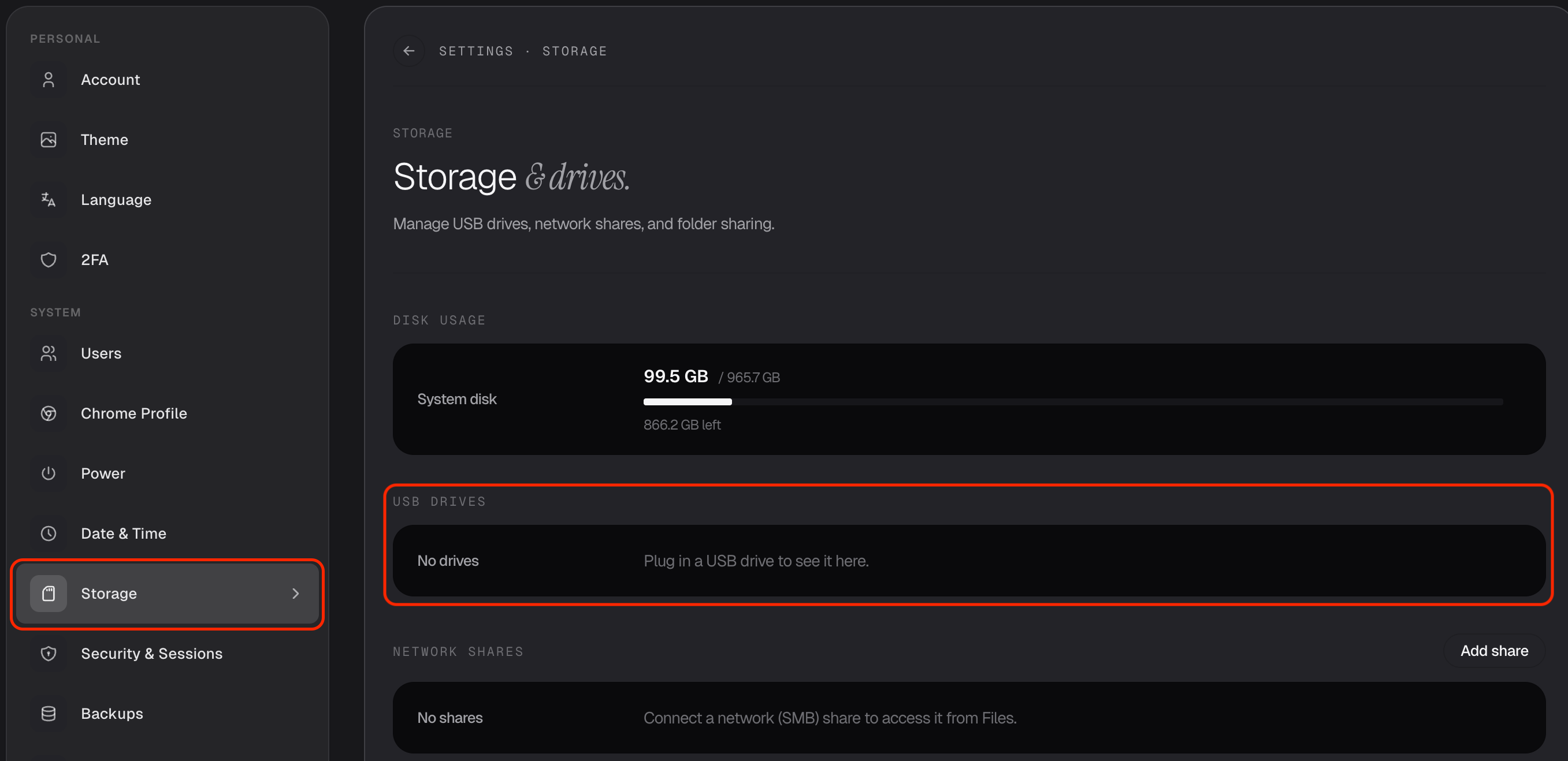
If you don't have one plugged in, Livinity simply says so — plug one in and it'll appear.
Connect a network share
Got files on another computer or a network drive at home? You can connect a network share so those files are available right inside Livinity, without copying them over.
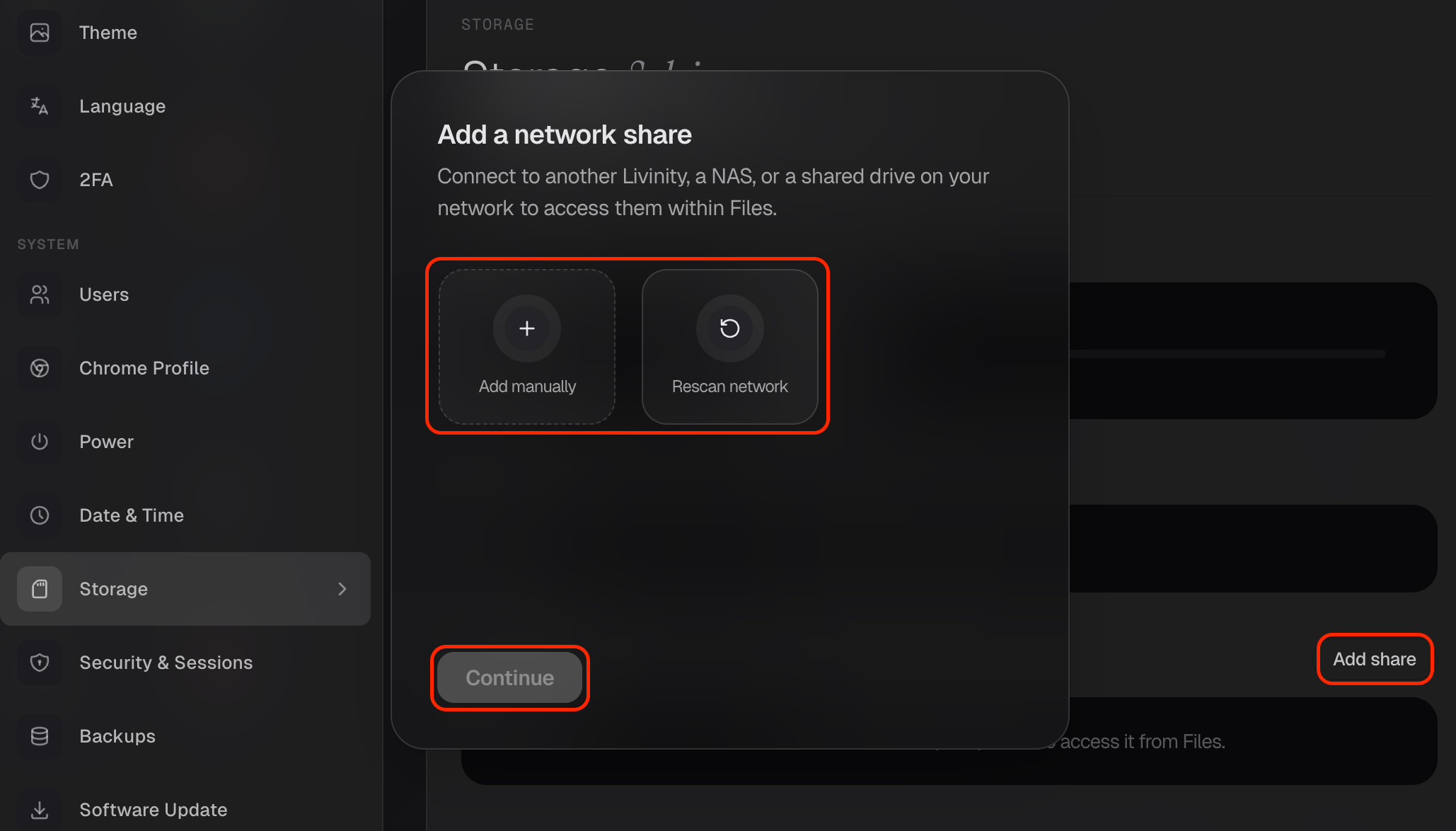
That's storage in a nutshell — plug in a drive for more space, or link a network share to reach files you already have elsewhere.
Need a hand? Reach the team at everything@livinity.io.