Chrome Settings
Staying Signed Into Websites
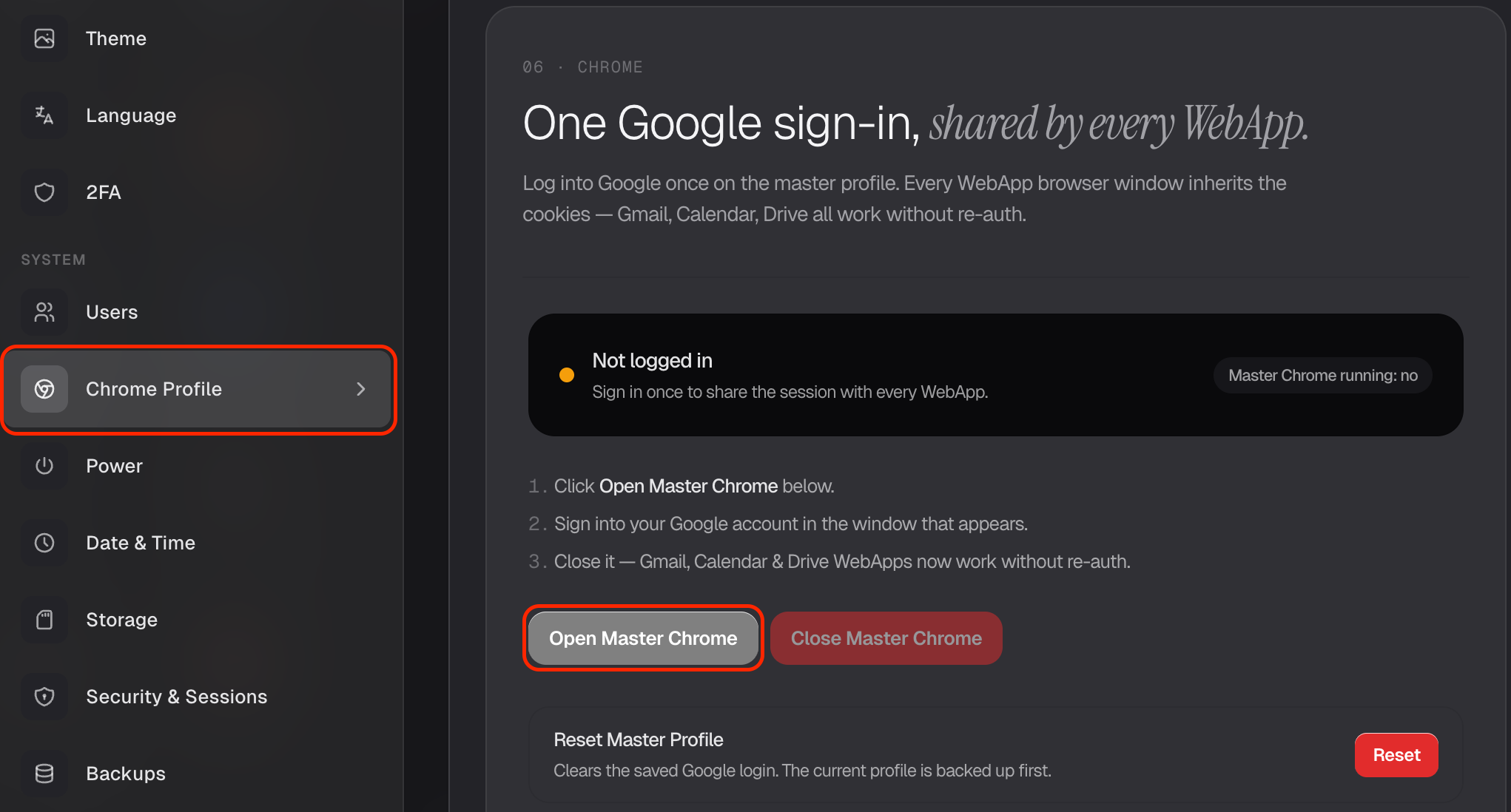
Some web apps — and Liv, when it browses for you — share a single built-in browser called Master Chrome. Signing into a site there once means everything that uses it stays logged in. You'll find this in Settings → Chrome Profile.
Why this is handy
Say you want Liv to check something in your Google account, or a web app needs you signed into a site. Instead of logging in over and over, you log in once in Master Chrome, and that session is remembered for next time.
Sign in once
- Open Settings → Chrome Profile.
- Click Open Master Chrome.
- Sign into Google (or whatever site you need) just like normal.
That's it — your login is saved for the apps and tasks that use this browser.
Starting fresh
Changed your mind, or want to sign out of everything? Reset Master Profile clears it out so you can start clean.
A one-time sign-in here saves you a lot of repeat logins down the road — especially handy when you ask Liv to do things on the web for you.